
A scene can be easy to upload and still be slow to open on a visitor's phone. This tutorial helps you reduce the weight and complexity of an AR artwork while preserving the parts that matter visually.
Use a saved artwork and keep its original media files. Work with replacement copies during optimisation. Measure the current experience before changing it so you can compare a concrete result.
1. Establish a phone baseline
Open the public link and note where the delay occurs: before the viewer opens, while media loads or during playback. Record the phone, browser and connection used. Watch the entire scene for stutter, delayed audio and unusually warm device behaviour.
Repeat the comparison under similar conditions. A second load may benefit from cached files, so do not compare a first download with a cached replay and attribute the difference only to your edits.
2. Simplify the video
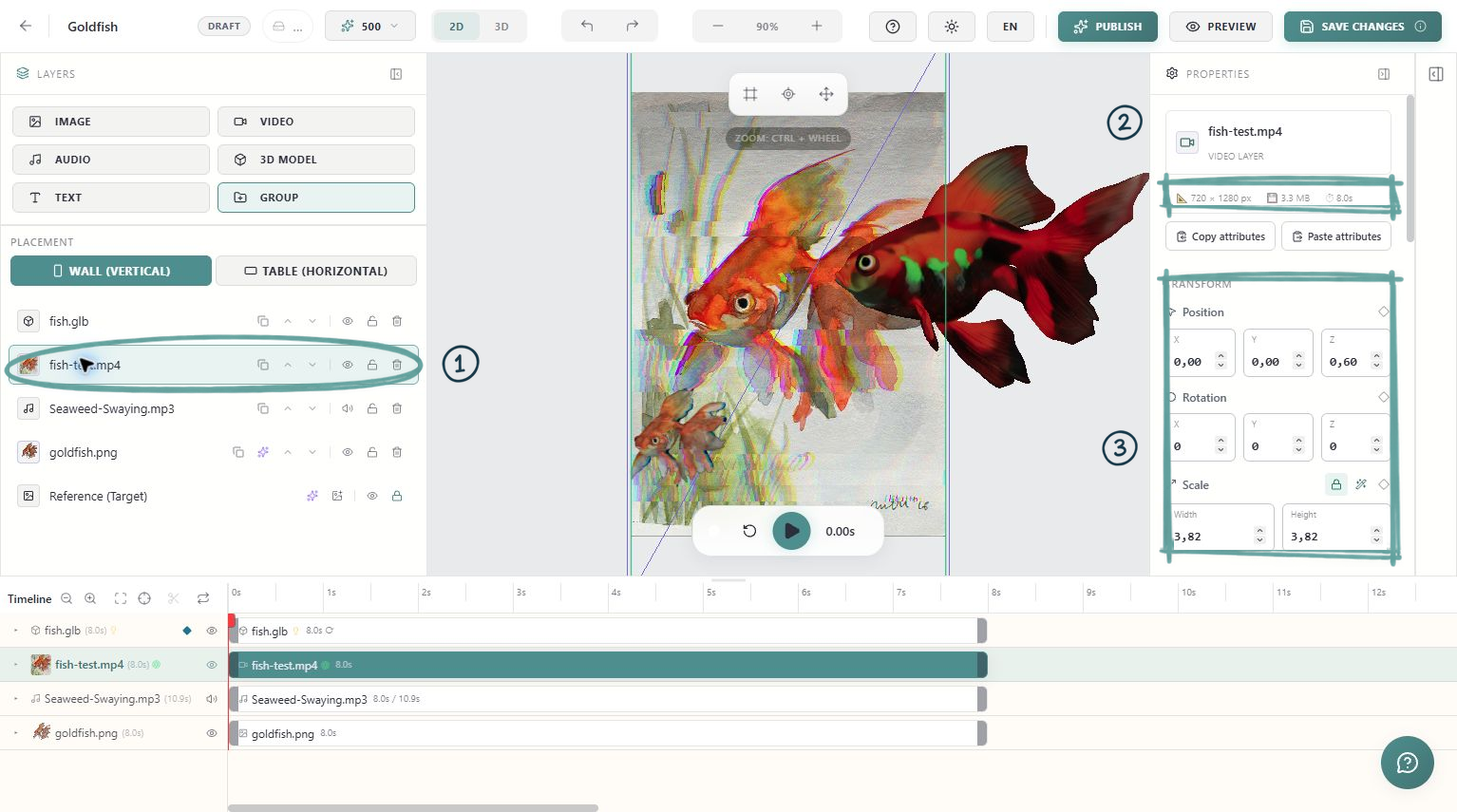
Remove footage that is not used in the experience. Export at a resolution and bitrate appropriate for the size it occupies on screen. A small floating detail rarely needs the same source resolution as a video filling the whole camera view.
MP4 is a practical starting delivery format. After replacing a source, wait for processing and inspect the actual playback. Compression that makes a file smaller can also damage chroma edges, fine textures or dark gradients, so compare both loading and appearance.
3. Resize images deliberately
Use transparency when the layer needs it, and avoid keeping large empty margins around a cut-out. Reduce dimensions that exceed the visible detail you need. Keep a high-quality original outside the delivery version.
Do not aggressively shrink or blur the reference image just because another overlay looks acceptable when reduced. The reference has a different job: it must preserve the details used to recognise the physical artwork.
4. Reduce 3D complexity
Inspect models for unused objects, excessive geometry and oversized textures. Simplify them in your 3D application, export a new GLB and check materials and animation again before using it in Painta.
File size and rendering cost are related but different. A model may download quickly and still be expensive to draw, while a large texture may primarily slow the first download. Observe the symptom you are trying to improve.
5. Review what plays together
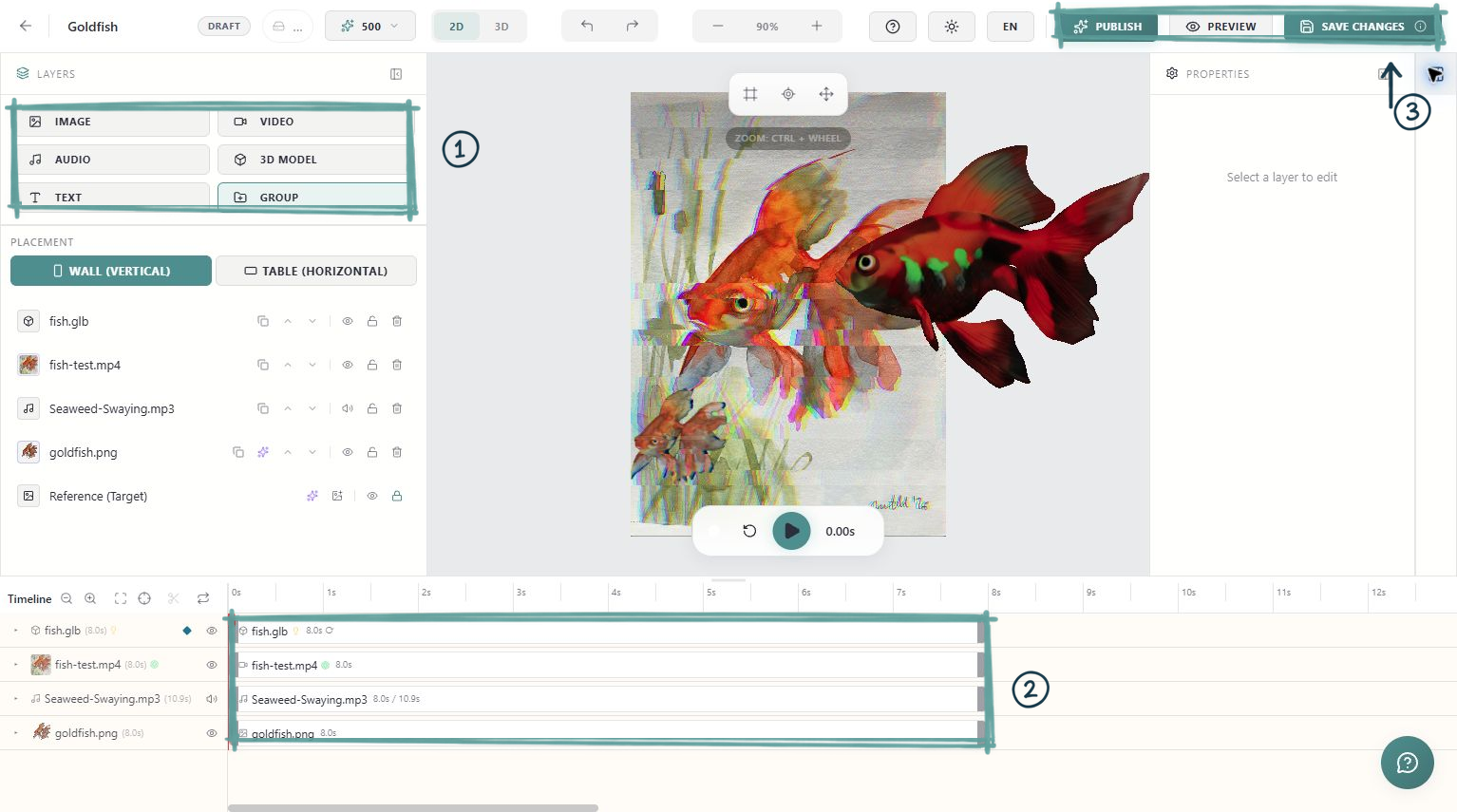
Look at the timeline for several videos, 3D objects and audio tracks active at once. Remove accidental duplicates from the composition and avoid overlapping effects that do not add meaning. Check that a hidden or silent layer is intentionally configured that way.
Do not assume that moving an asset later in the timeline automatically prevents its initial download. Use a phone test to establish whether a change actually improves the experience.
6. Compare and keep the better version
Save and republish your revised scene. Repeat the baseline test with comparable conditions and, when possible, a second phone. Check load time, playback, sound, chroma edges and tracking alignment.
Upload and storage limits are ceilings, not creative targets. Your useful target is a complete experience that opens reliably and plays smoothly on the devices your visitors actually use. Keep a short record of which replacements improved that result.