AR Art Starter Pack: Prepare Your Files for Painta
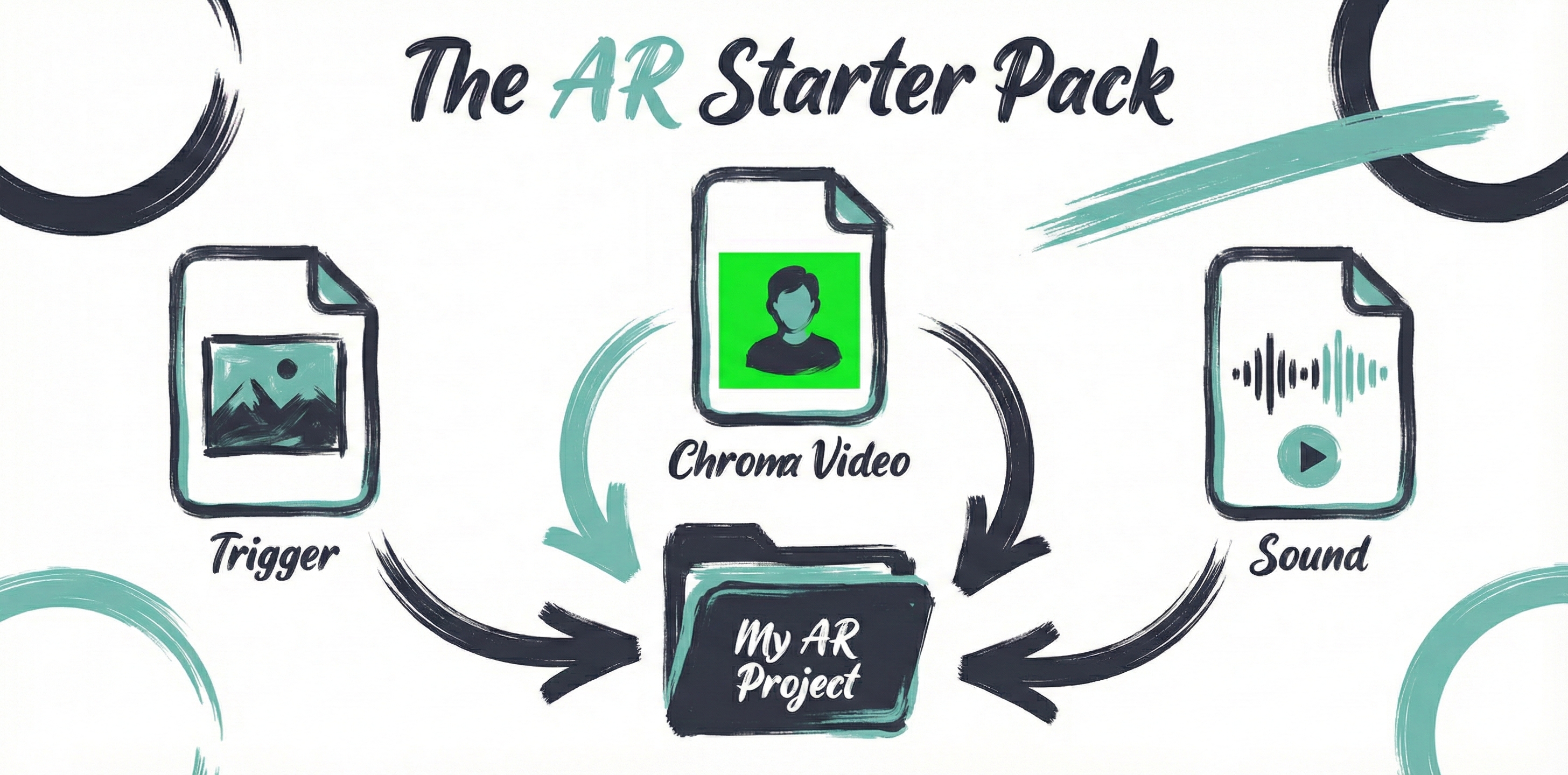
Prepare a reference image, a visual layer and optional audio for Painta. Learn current file choices, chroma basics and what to check before your first AR work.
Read Tutorialarrow_forwardLearn how to create, publish, and share your AR art with our step-by-step guides.
Prepare a reference image, a visual layer and optional audio for Painta. Learn current file choices, chroma basics and what to check before your first AR work.
Read Tutorialarrow_forward
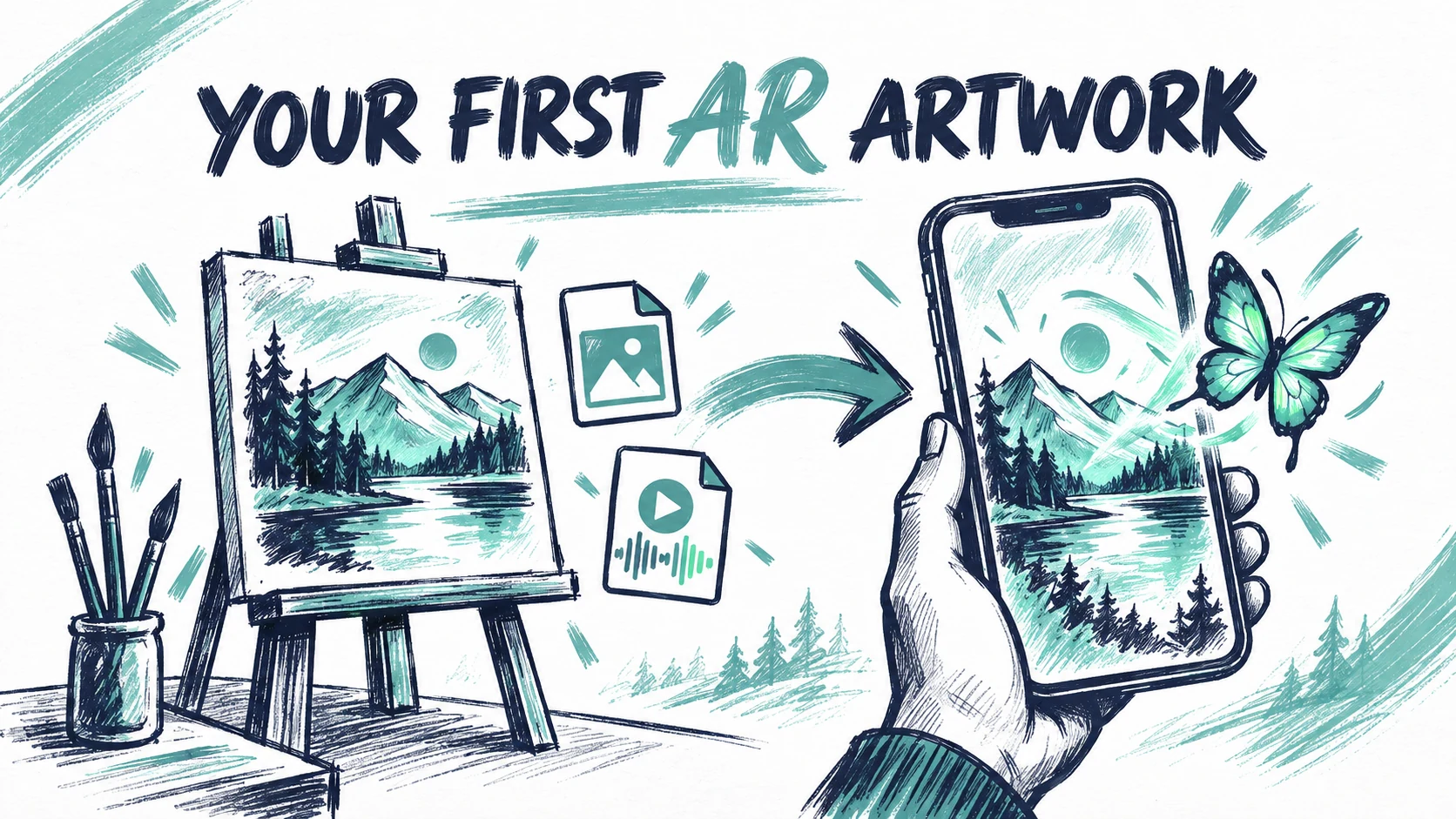
Build your first AR artwork in Painta: upload a reference, add a video or image, align the layer, check playback and save a scene ready for a real phone test.
Read Tutorialarrow_forward
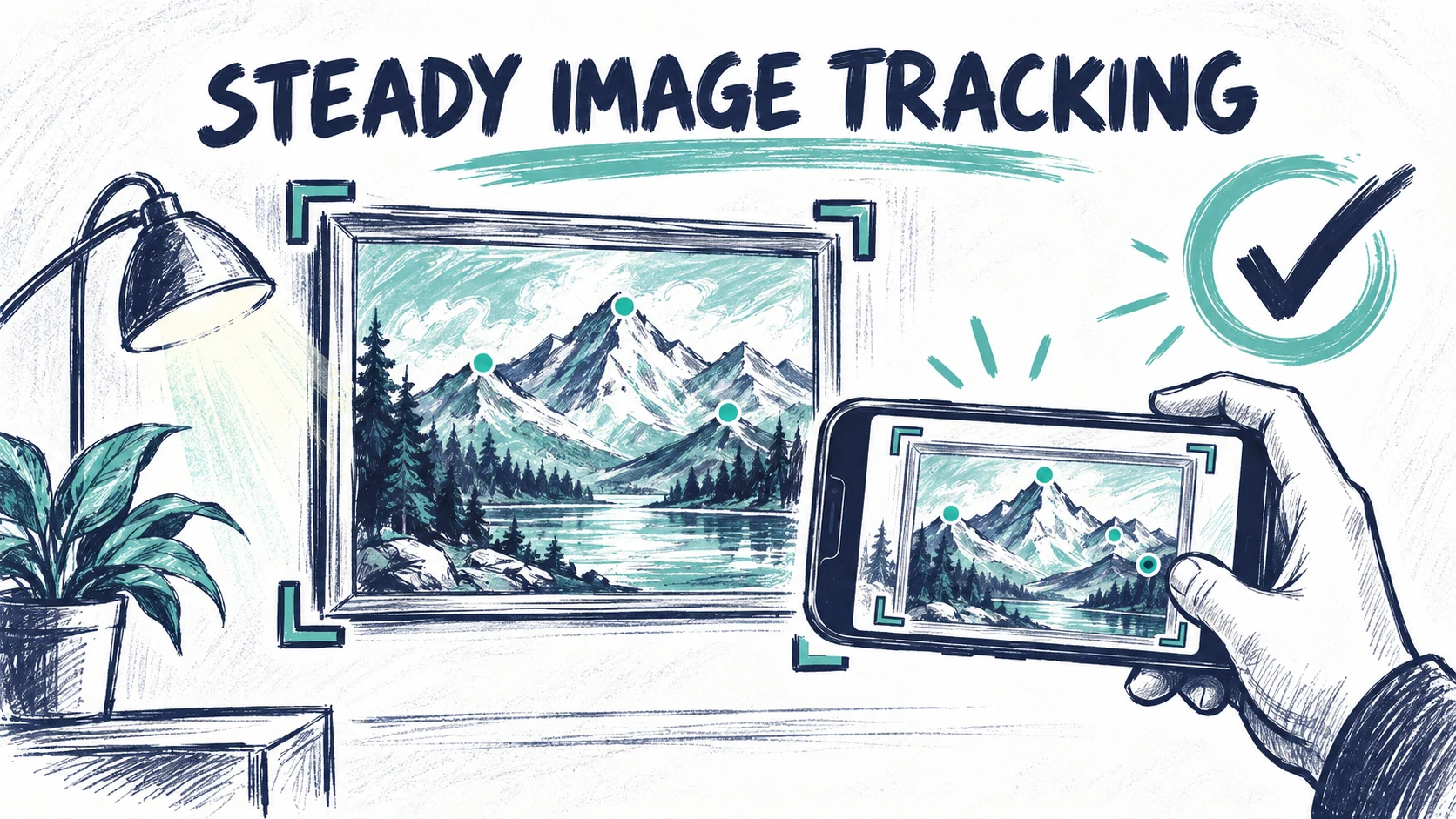
Improve AR image tracking with a sharper reference, consistent cropping and practical phone tests. Diagnose recognition failures, drift and alignment issues.
Read Tutorialarrow_forward
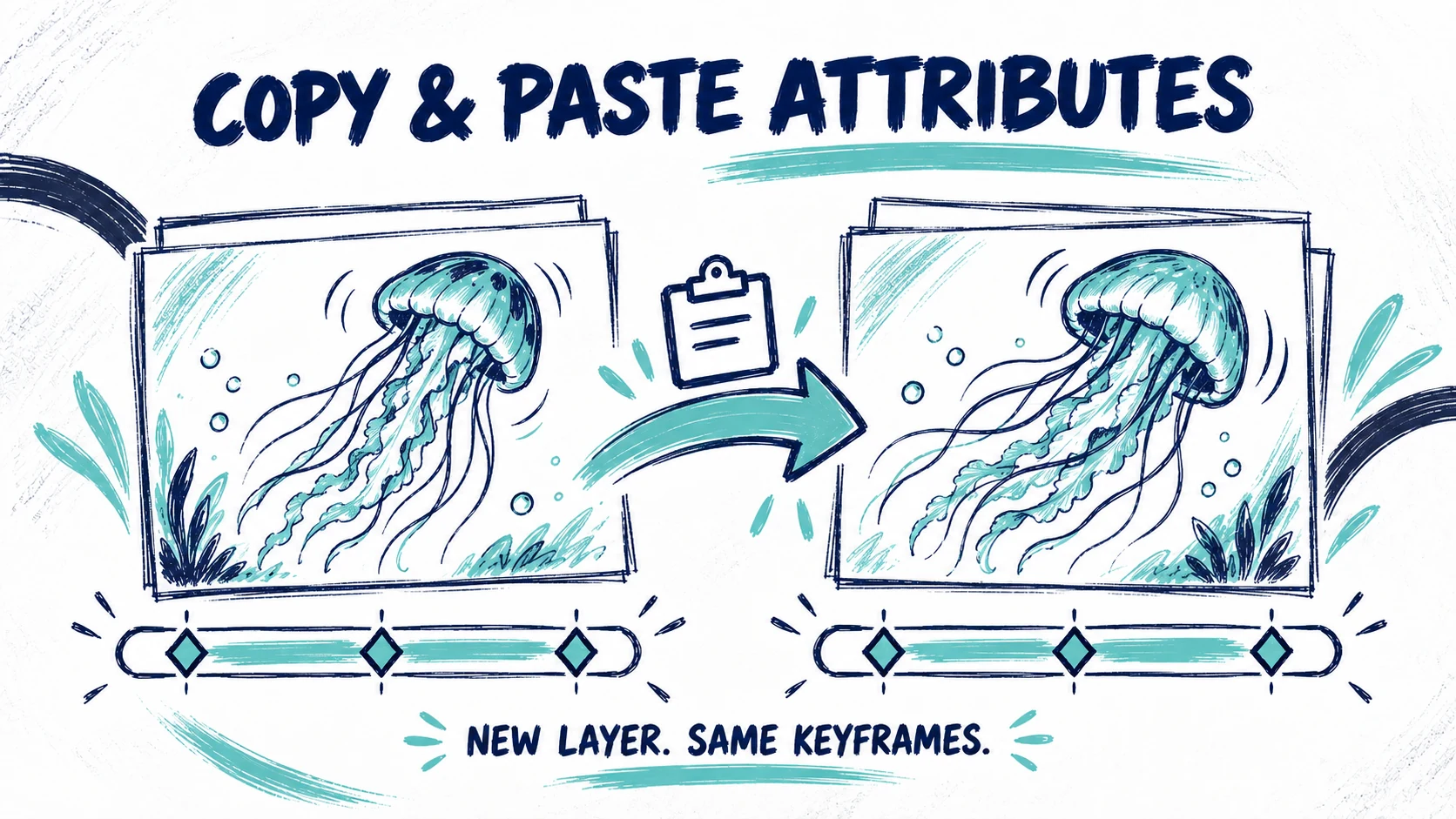
Reuse keyframes when updating a layer in Painta. Copy and paste selected attributes, keep your new media and follow the step-by-step MedusASCII walkthrough.
Read Tutorialarrow_forward
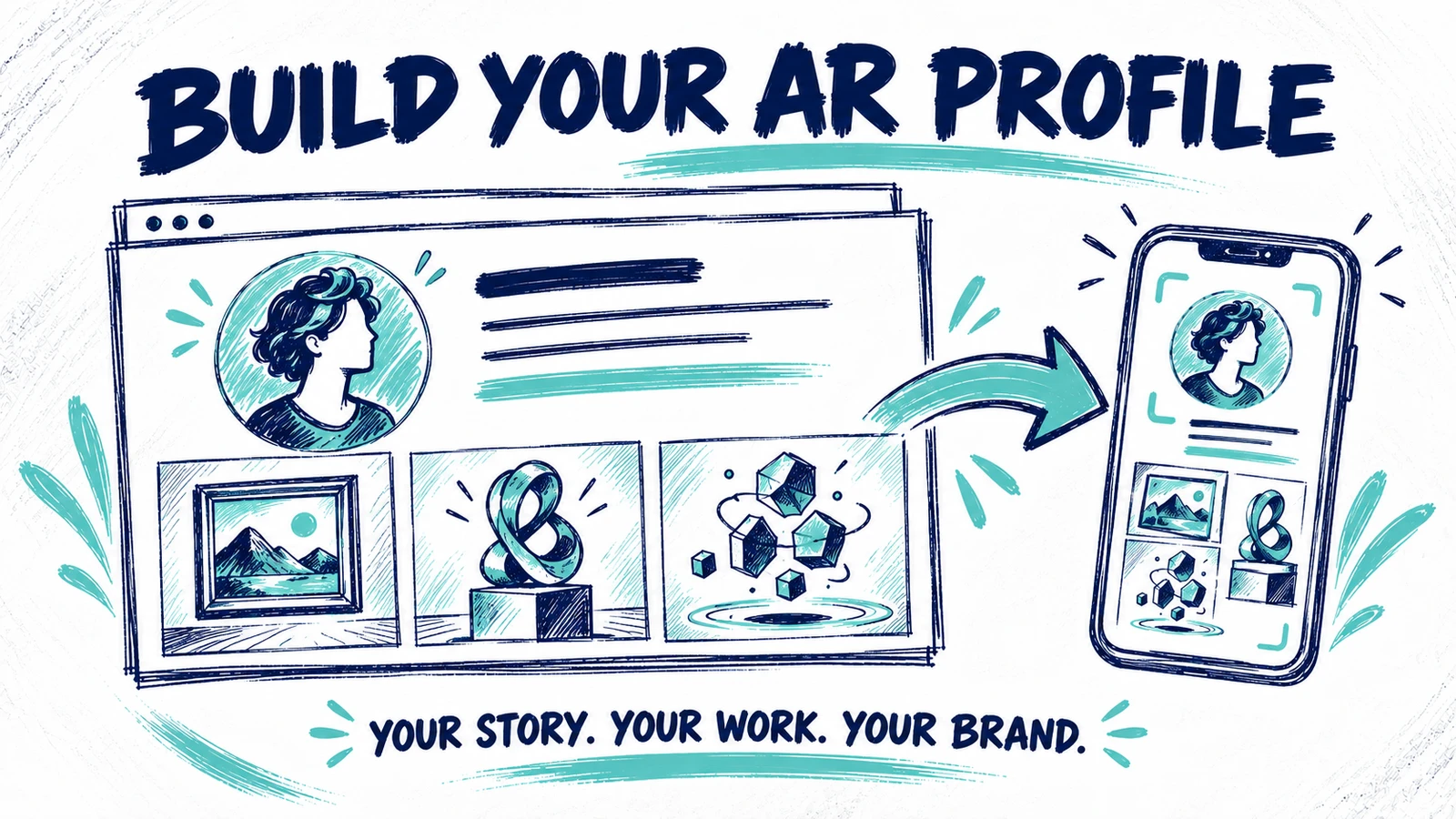
Build your AR profile and personal brand in Painta. Improve your bio, statement, links and portfolio with real examples from Bernie Torras’s public profile.
Read Tutorialarrow_forward