schoolTutorial•4 min read
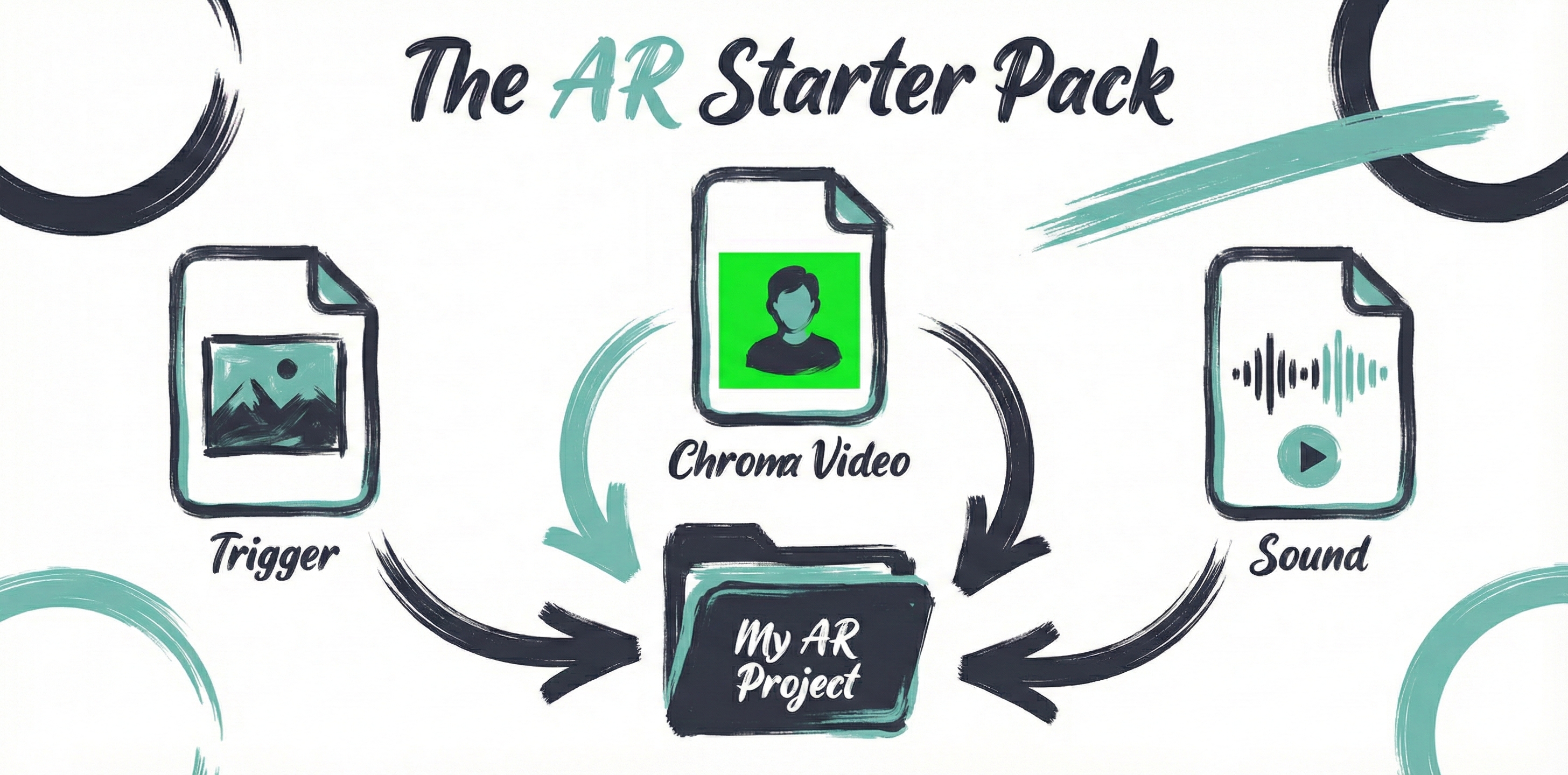
AR Art Starter Pack: Prepare Your Files for Painta
Prepare a reference image, a visual layer and optional audio for Painta. Learn current file choices, chroma basics and what to check before your first AR work.
FAQs, Tutorials, Glossary and other resources for AR artists
Frequently asked questions about creating and viewing AR art
Step-by-step guides for creating stunning AR art experiences
Comprehensive dictionary of augmented reality terms
Stay up to date with our most recently published tutorials, FAQs, and glossary terms
Prepare a reference image, a visual layer and optional audio for Painta. Learn current file choices, chroma basics and what to check before your first AR work.
Eligibility, entry steps, judging, prizes, payment, authorship and privacy for the Painta Instagram Art Challenge 2026.
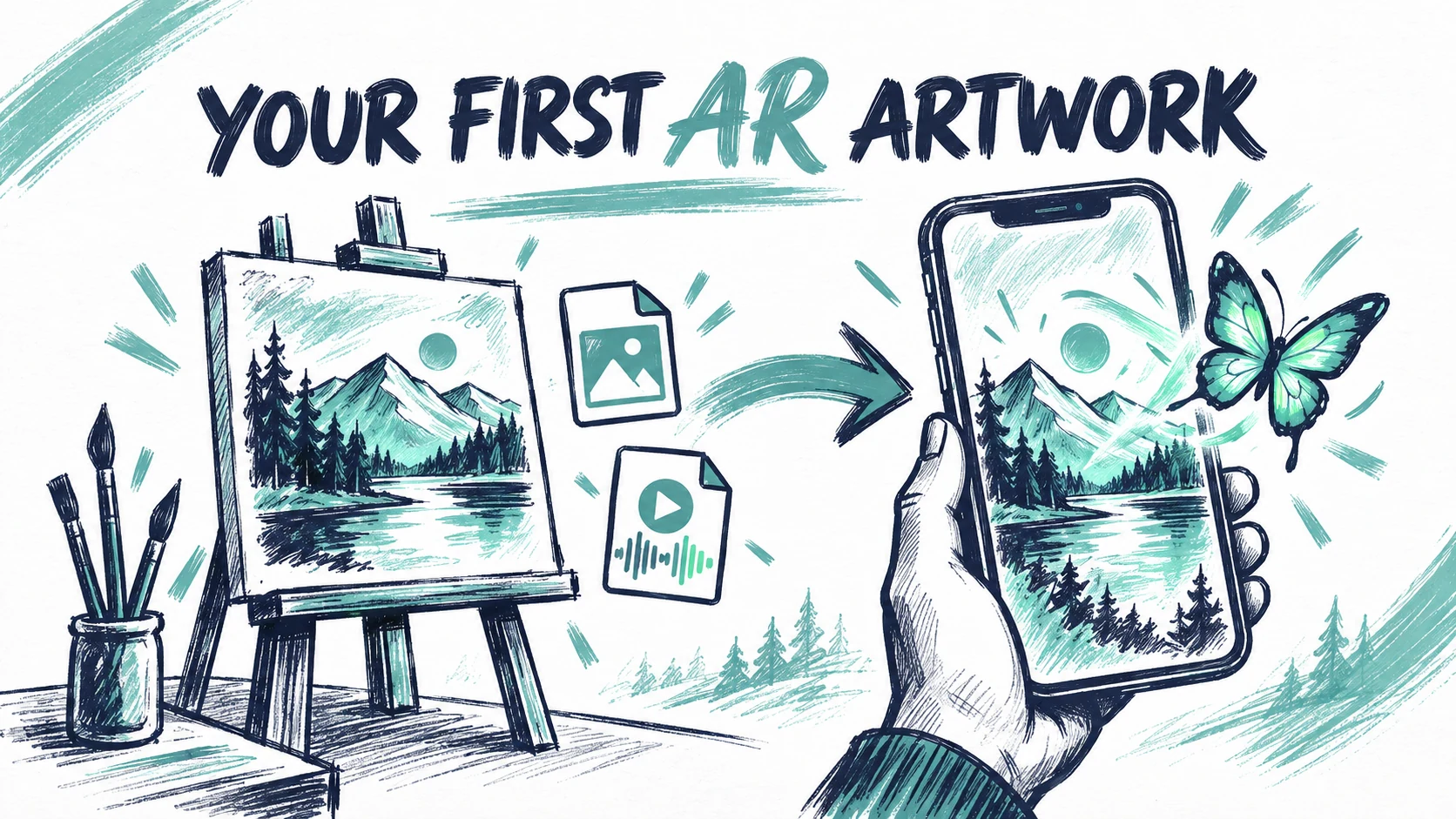
Build your first AR artwork in Painta: upload a reference, add a video or image, align the layer, check playback and save a scene ready for a real phone test.
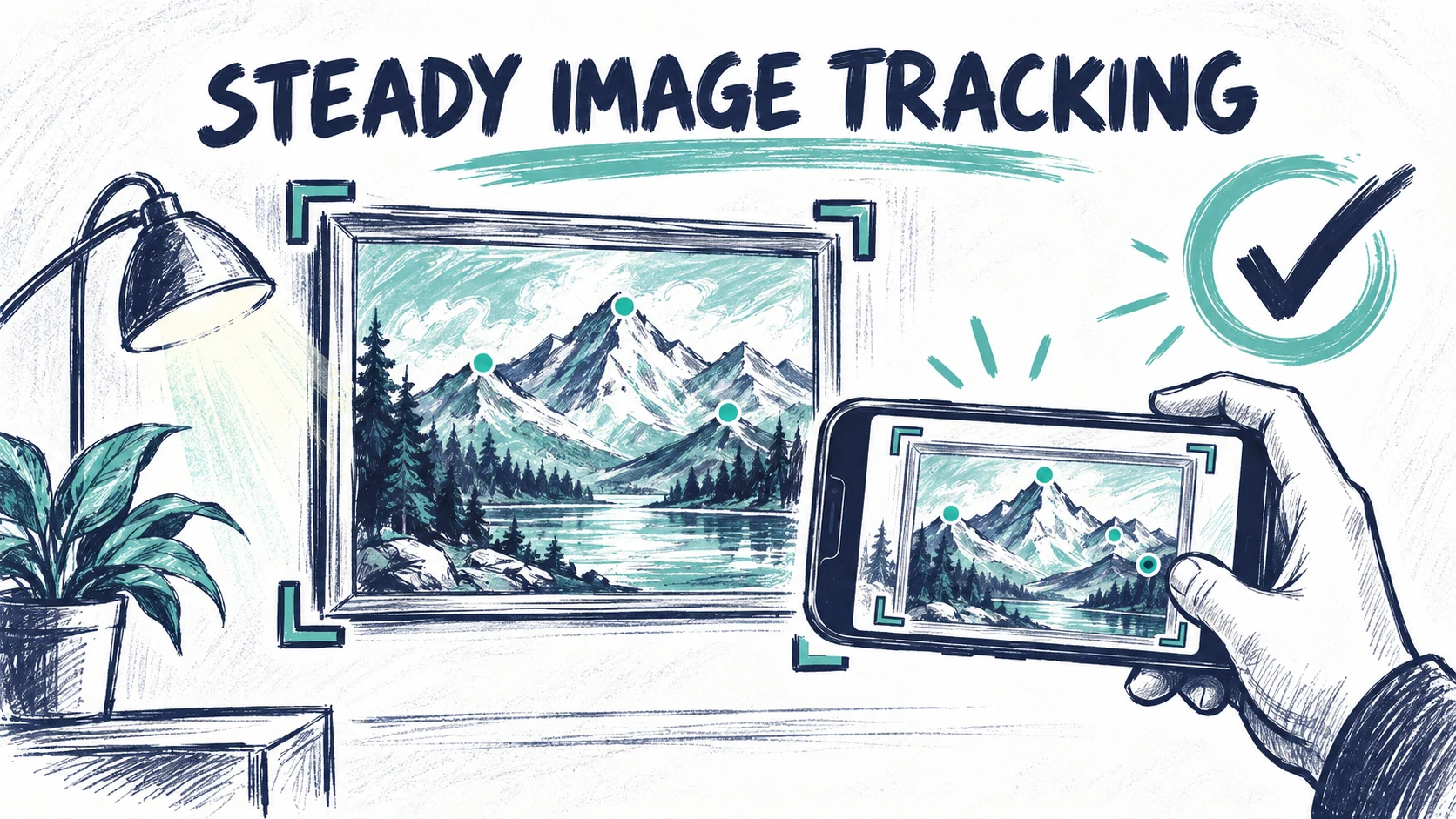
Improve AR image tracking with a sharper reference, consistent cropping and practical phone tests. Diagnose recognition failures, drift and alignment issues.
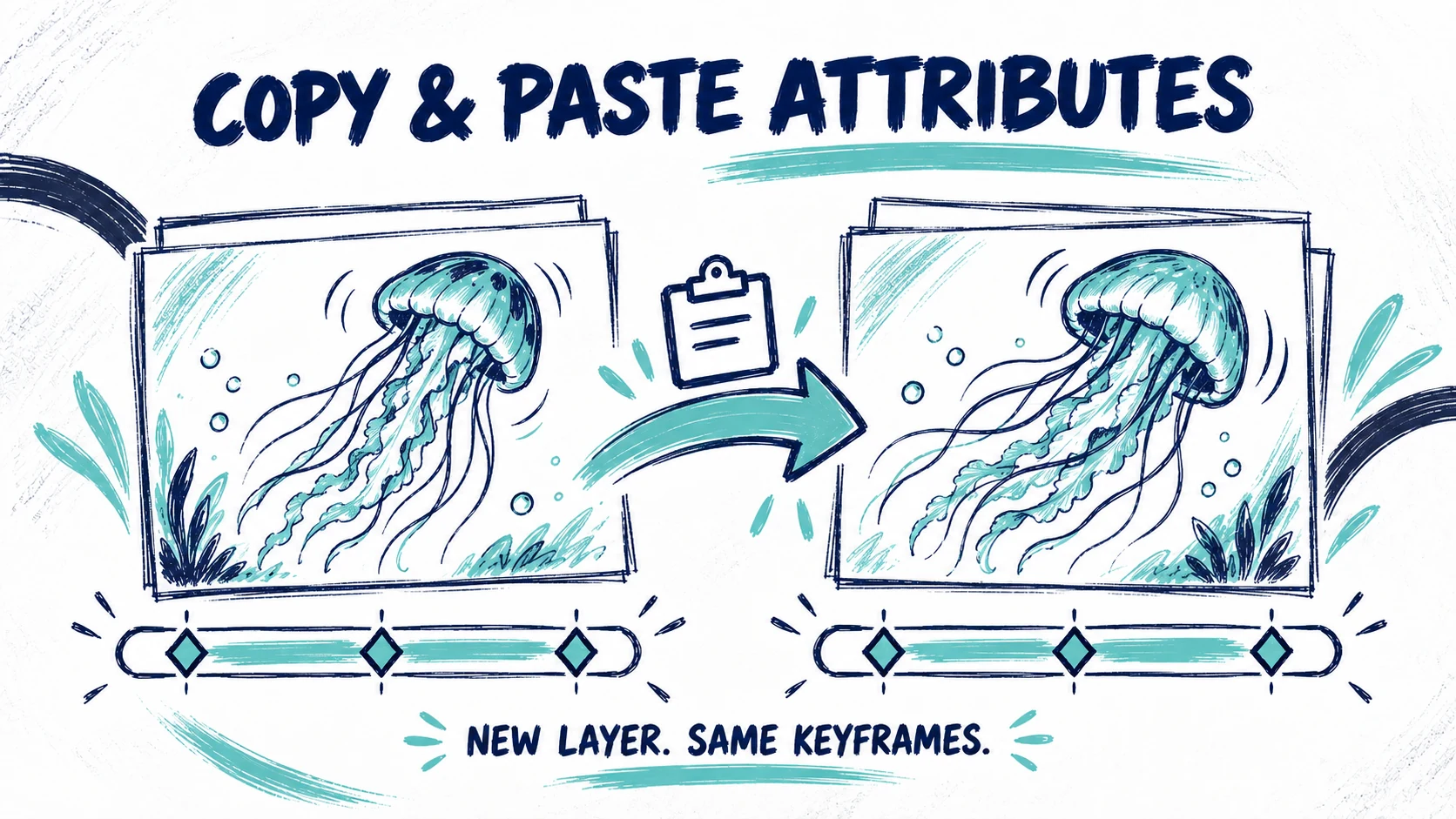
Reuse keyframes when updating a layer in Painta. Copy and paste selected attributes, keep your new media and follow the step-by-step MedusASCII walkthrough.
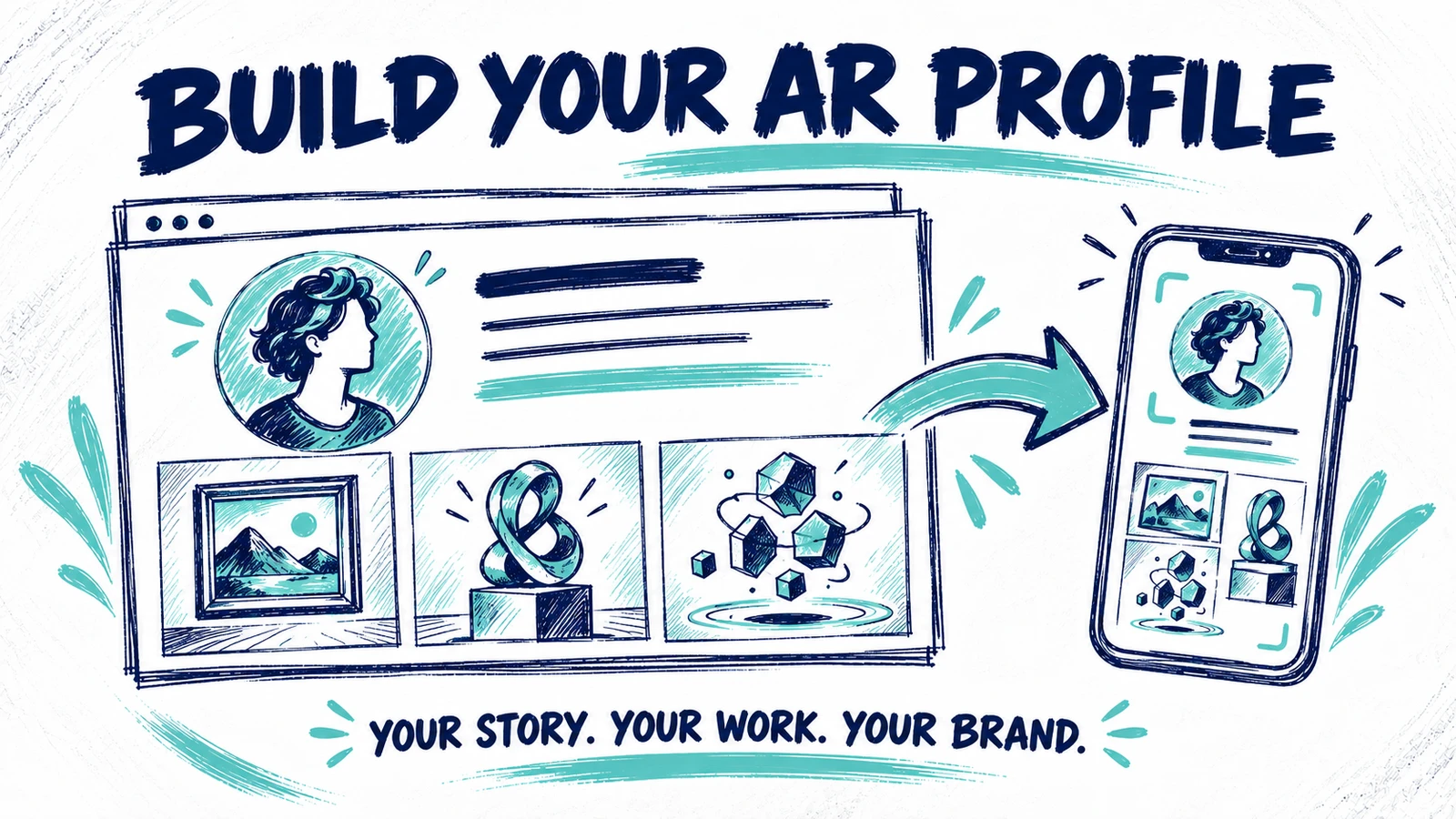
Build your AR profile and personal brand in Painta. Improve your bio, statement, links and portfolio with real examples from Bernie Torras’s public profile.