Z-fighting is a rendering artefact in which overlapping surfaces have depth values too similar to be resolved consistently.
Two surfaces compete for the same place
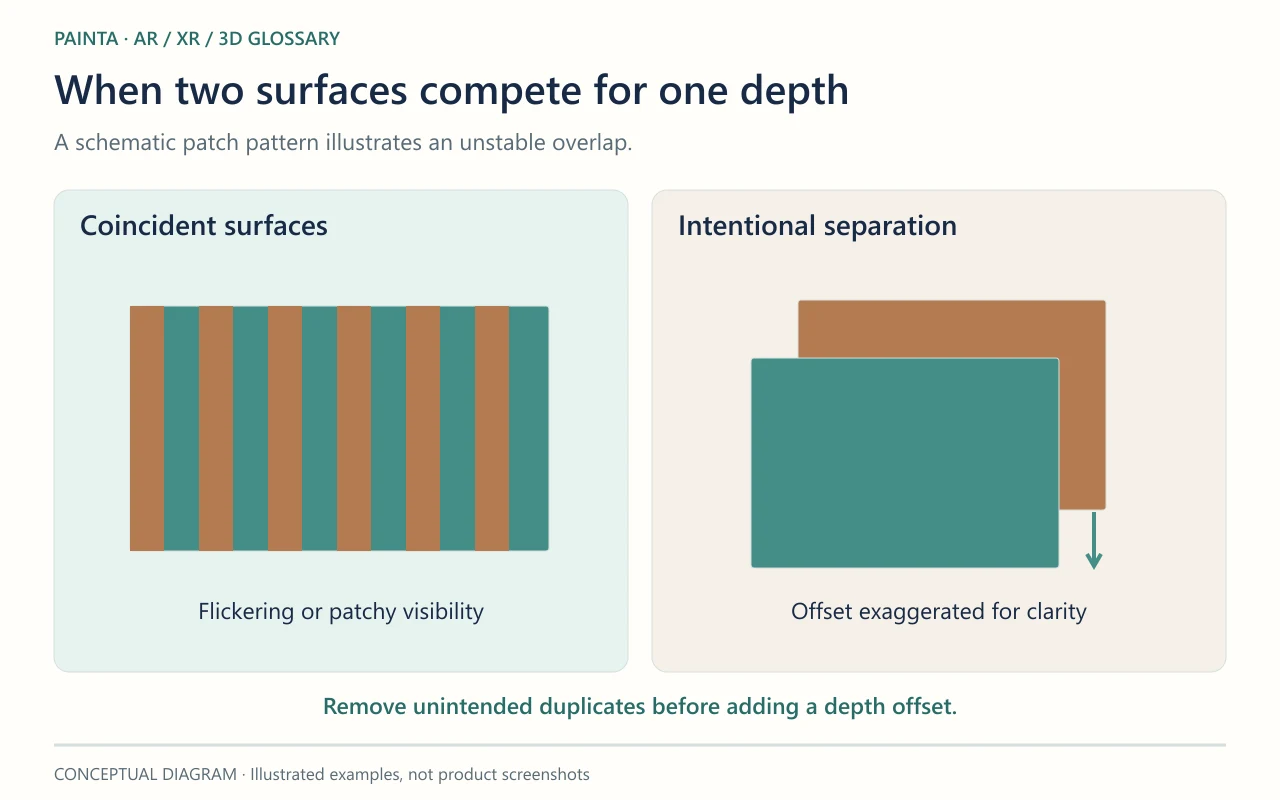
A detail plane placed exactly over another plane may show flickering patches or stripes as the camera moves. The renderer cannot reliably distinguish which surface is in front at every sample. This can happen with duplicate surfaces or with surfaces that are merely very close together, depending on depth precision.
It can resemble a tracking problem
If only the overlapping patch flickers while the rest of the artwork stays aligned, inspect the geometry before blaming image tracking. A needlessly wide camera depth range can make precision problems worse. Moving the whole model farther away or increasing texture resolution does not directly solve two surfaces competing for the same depth.
Start with the intended composition
Remove an accidental duplicate after checking that it serves no timed effect. If an overlay is intentional, consider a small, controlled separation or a suitable depth-bias technique in the renderer. Test from oblique views too: a large separation can make a decal look as though it floats. For AR artwork, compare the frame before and after the change, including transitions where both layers are briefly visible.