Image tracking follows the position and orientation of a known image through a camera, keeping digital content aligned with the physical artwork as the viewer moves.
From recognition to a moving overlay
The system compares visible details with a prepared reference image. After finding a match, it estimates the image's pose relative to the camera and updates that estimate over successive frames. This is what makes an animation appear attached to a canvas rather than fixed to the phone screen.
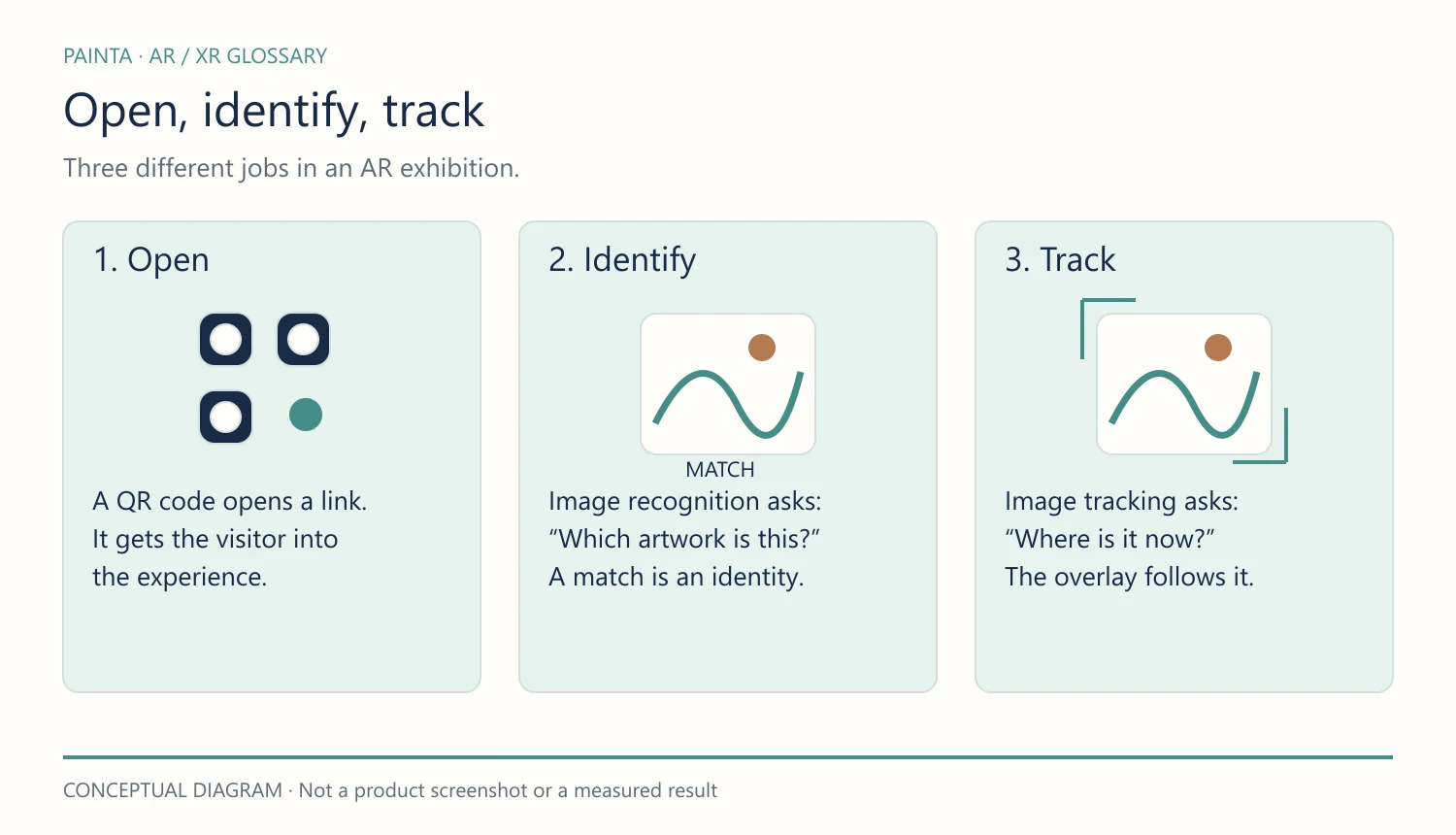
A Painta example
An artist connects an animated layer to a physical painting. The visitor opens the published experience, allows camera access and points the phone at the work. A QR code can help open the experience, while the painting itself supplies the tracking reference.
What makes tracking reliable?
Distinctive detail, a sharp reference and even lighting usually help. Reflections, motion blur, repeated patterns, partial obstructions and steep viewing angles can make a target harder to track. Test the actual artwork in its exhibition lighting.
Recognition and tracking are different
Recognition asks “Which artwork is this?” Tracking asks “Where is it now?” A system can identify a work without continuously aligning digital content to it. Losing the target may also interrupt or change the experience, depending on the viewer.
Related concepts and further reading
Choosing an AR platform for art
Google ARCore: recognising and tracking images
Explore related 3D and spatial concepts
Continue with Jitter (AR Tracking) for a closer look at this part of the experience.