Choosing an AR platform for art: questions beyond the demo
person
Painta.me
Sep 25, 20266 min read
The demo looks wonderful. A drawing opens into a small world, the camera moves smoothly, and somebody says it took ten minutes to build. Then you imagine the same experience in your exhibition: a visitor with an older phone, a reflective frame, a room full of people and nobody available to explain where to tap.
That second picture is where choosing an AR platform becomes interesting.
Artists, galleries and museums do not all need the same tool. Even two exhibitions in the same building may ask very different things of augmented reality. A platform should be judged against the work you want to show, the visitors who will encounter it and the people who will care for it afterwards.
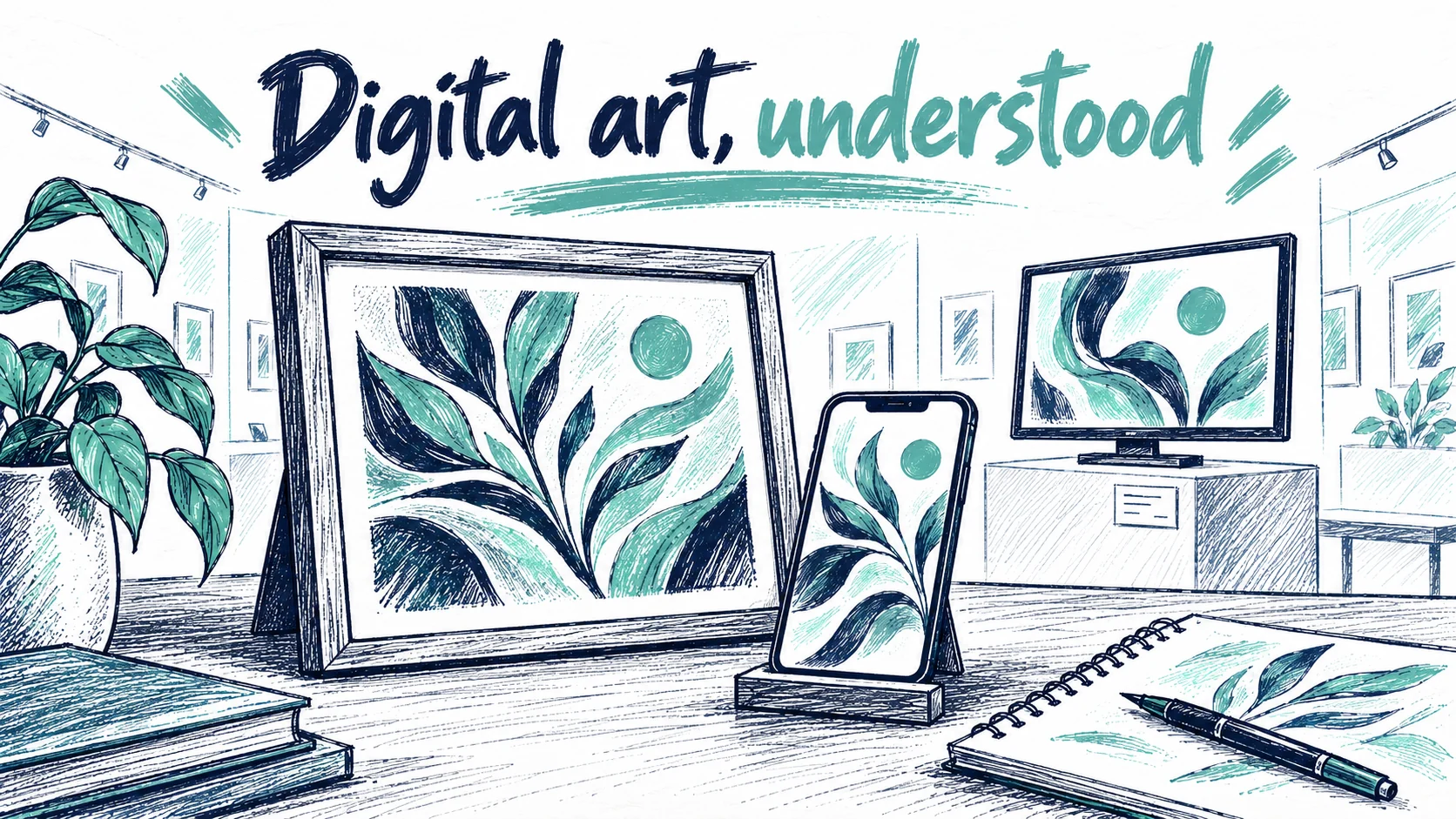
Photo: Painta.me · Original AI-generated editorial illustration
Begin with the encounter you want to create
“We need AR” leaves almost every meaningful decision open. “We want visitors to compare this painting with the artist's earlier sketch” is a more useful starting point. So is “the sculpture should appear at a deliberate scale in this courtyard.” Those ideas require different relationships between digital content and the physical world.
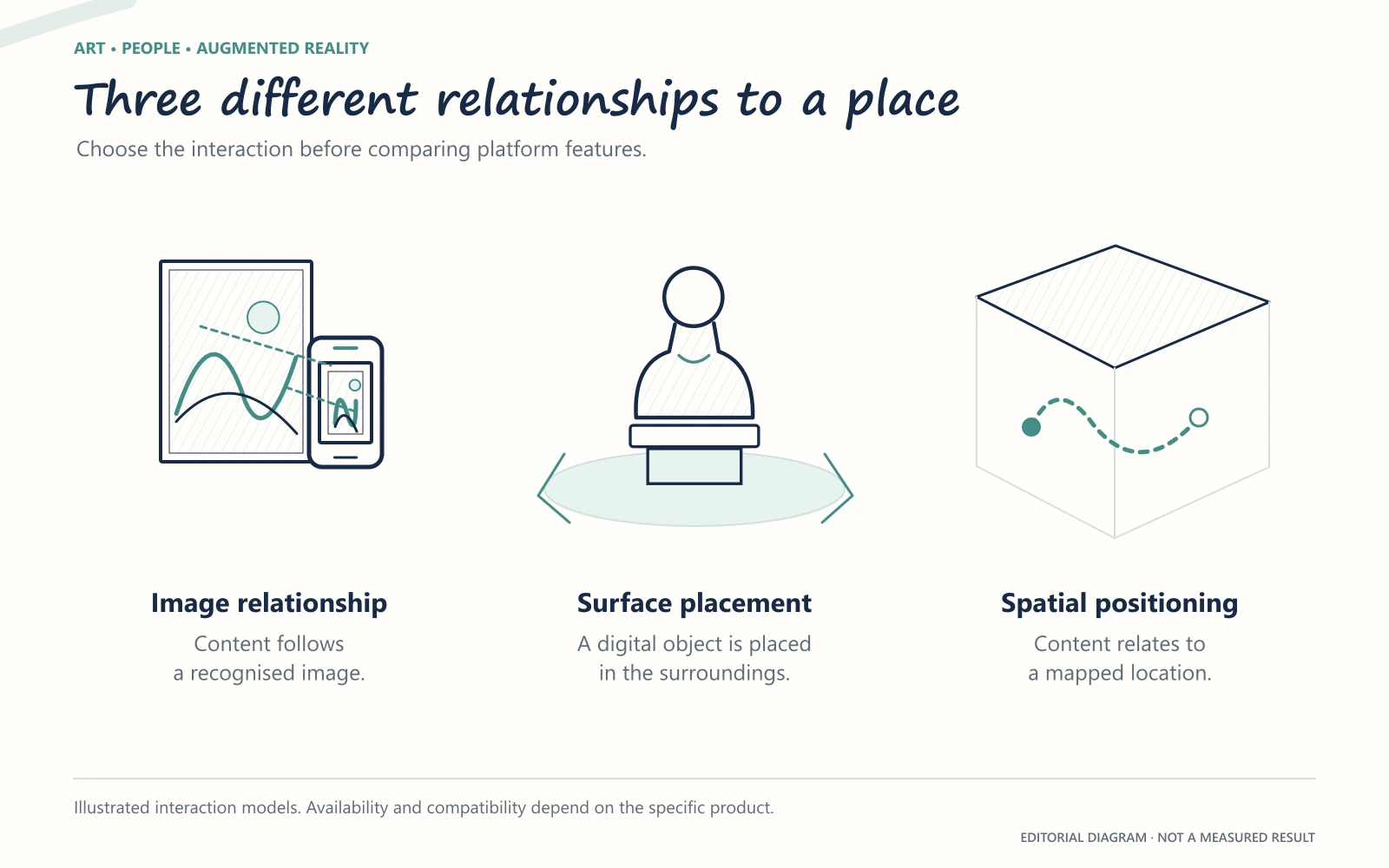
An image-led experience recognises a particular image and relates content to it. Surface placement lets someone position an object in their surroundings. Spatial positioning connects content to a mapped location. These approaches can overlap within a product, but one should not be assumed to substitute for another. Onirix, for example, describes environment scanning and positioning in its Spatial AR documentation.
Decide what must remain aligned, what may move and whether the audience is meant to explore a room or look closely at one work. Our discussion of museum AR that serves the artwork is a useful place to clarify that intention before comparing feature lists.
Image recognition, surface placement and spatial positioning solve different exhibition problems. This is a conceptual comparison, not a product test.
Understand the different starting points
The following descriptions reflect public product information reviewed in September 2026. They identify useful questions for a shortlist; they are not performance rankings or a substitute for trying the current product.
Artivive has a visible emphasis on artists and cultural institutions. Its viewing guide describes both its app and browser-based WebAR, with no visitor account required. It would therefore be inaccurate to dismiss it as an app-only option. Check which publication mode and current plan suit your intended exhibition.
Kivicube presents a broad no-code WebAR offer spanning print, education, tourism and marketing. Its museum article illustrates that template-led approach. For an artist, the practical question is whether those starting points support the visual language of the work and leave enough room to shape its pacing.
Quakey XR centres its public offer on a visual node editor, alongside a mobile LITE experience for image-triggered media. A node-based approach is worth exploring when relationships between actions matter to the idea. Ask the person who will actually maintain the project to try the editing process too.
Onirix describes a system of Studio, Web AR Player and SDK. That distinction matters when a team wants both a visual creation environment and deeper custom development. Establish which parts of a proposed experience can be maintained by your staff and which will depend on a specialist.
Zapworks appears in Zappar's account of the exhibition Carne da Terra, where Mattercraft supported a relationship between paintings and spatial content. This is a vendor case study, not an independent comparison. Its most useful prompt is to test the relationship between content and room, not simply the animation in isolation.
MyWebAR advertises several tracking and publishing modes, including multiscene experiences. For a multi-work exhibition, investigate what visitors must do when moving from one piece to the next, alongside current limits and supported media.
None of these descriptions tells you which tool will be most comfortable for your team. That becomes visible when the comparison uses your actual material.
Put the same artwork into the conversation
A useful trial has a specific object at its centre. Bring the intended image, one representative piece of media and a description of the room. If the work sits behind glass, do not substitute an unframed print for the whole evaluation. If sound matters, assess it in a shared space rather than through studio speakers.
Try the visitor's first minute without explaining it. Can someone recognise the invitation, open the experience and find the relevant work? Does the content stay meaningfully related to that work as they move? If something interrupts the experience, can they recover without starting a conversation with a technician?
Include different phones and the actual lighting conditions. A successful desktop preview answers an editing question; a physical trial answers a display question. If glasses form part of the proposal, treat them as a separate compatibility requirement. Our guide to XR glasses for viewing AR art explains why the category name alone is not enough.
Ask about the quiet work after launch
The opening night is one part of the project. Somebody also needs to replace a narration, answer an access question and notice when a browser update changes behaviour.
Before deciding, ask who can edit the work, how the original media will be retained and what happens when a subscription or exhibition ends. If a plan has usage limits, clarify what is counted, when an allowance resets and what a visitor sees if it is exceeded. Do not assume every provider bills by scans. Painta's current pricing page distinguishes Free, Creator Hub and Studio Pro, and does not list a per-view tariff or scan-overage fee. Plan features and preparation services have separate scopes; check the current terms before budgeting.
Maintenance deserves attention even in a small project. A MuseumPros discussion about AR contains accounts of concerns about ongoing work, visitor friction and content preparation. Those comments are anecdotes, not a representative survey. They are still a reminder to ask about the work that disappears from a polished demo.
Choose a proportionate first project
Your shortlist does not need to culminate in the largest possible commission. One artwork can reveal whether the editor suits the maker, whether the visitor understands the invitation and whether the digital layer contributes something worth keeping.
Painta is one option to explore for that artwork-led approach: start a small project, bring media that belongs to the piece and test the resulting encounter before expanding its scope. Apply the same questions to it as to any other platform.
A good decision leaves you able to explain why this tool fits this work. That is a more durable answer than a winner's badge on a comparison table.
Founder and creator of Painta.me. Artist in my spare time and AR art enthusiast. Building tools to help artists bring their creations to life through augmented reality.
A short weekly email with new Painta.me tools, practical AR ideas, artist opportunities, and ways to make your work easier to create, publish, and share. Useful even if you haven't created your first piece yet.
What you'll get
1
New AR tools
See what's new inside Painta.me and how it can help you create faster.
2
Artist opportunities
Open calls, featured works, community updates, and ways to get your art seen.
3
Practical AR ideas
Simple techniques to create, publish, and share better augmented reality pieces.
auto_awesome
Ready to create?
Create your free account, prepare an artwork and share it in augmented reality. Choose a paid plan when you need more.