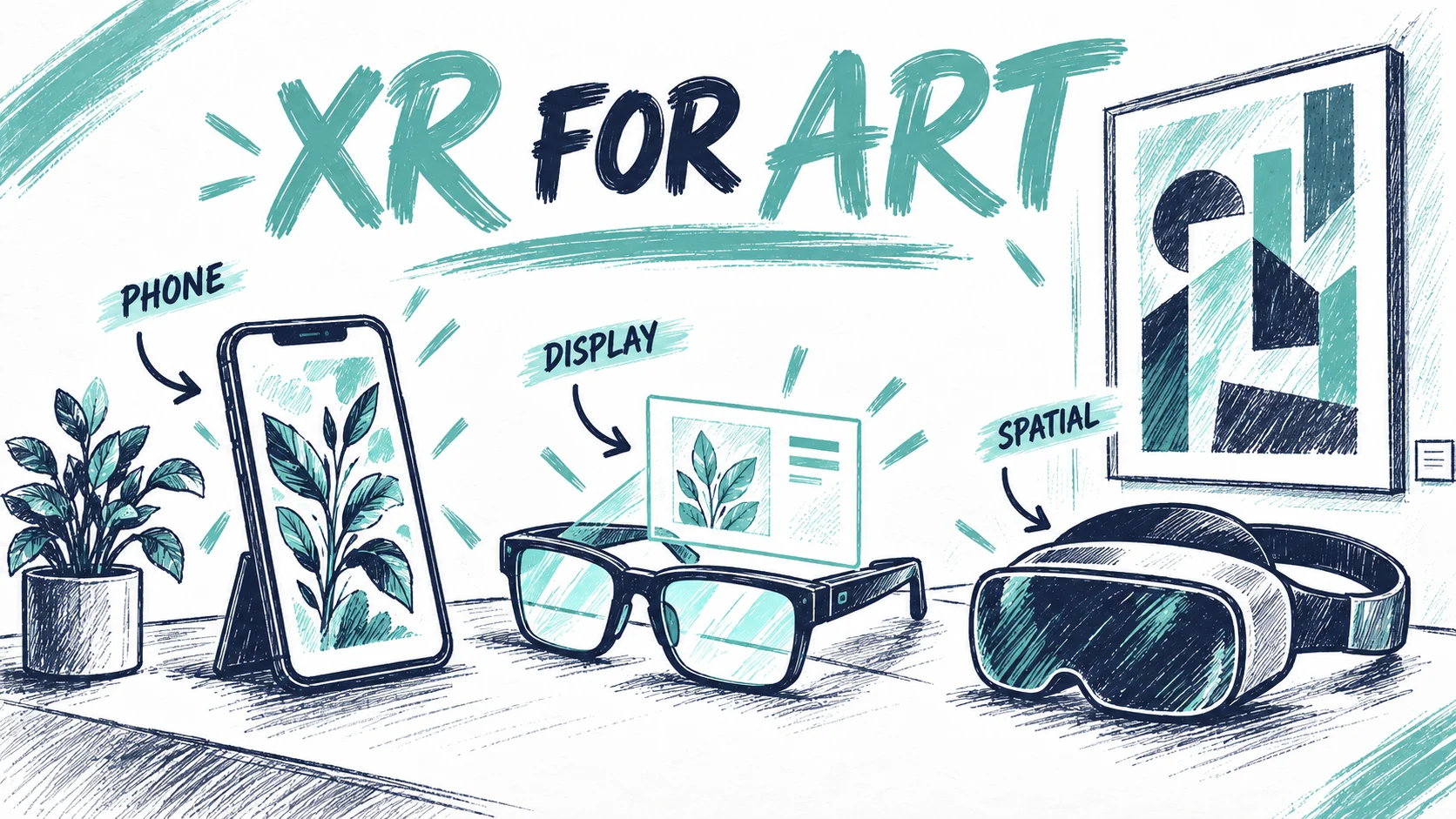
The best XR glasses for AR art depend on the experience
person
Painta.me
Sep 22, 20266 min read
A curator holds a small sculpture in one hand and a headset brochure in the other. The brochure promises a huge virtual screen. What the curator needs is for visitors to walk around the sculpture, understand its missing elements and keep talking to the person beside them. These are different requirements, and a purchase can go wrong before anyone puts the device on.
Choosing XR glasses for AR art starts with the experience you want to make possible. An artist reviewing a spatial composition, a gallery presenting work to a collector and a museum lending devices throughout the day have different priorities. The useful comparison includes the software, the viewing conditions and the people who will help visitors use it.
Research checked on 20 September 2026. This is an editorial comparison of documented capabilities, not a hands-on product test. Regional availability and software support should be confirmed for the exact experience before purchase.
Photo: Painta.me · Original AI-generated editorial illustration
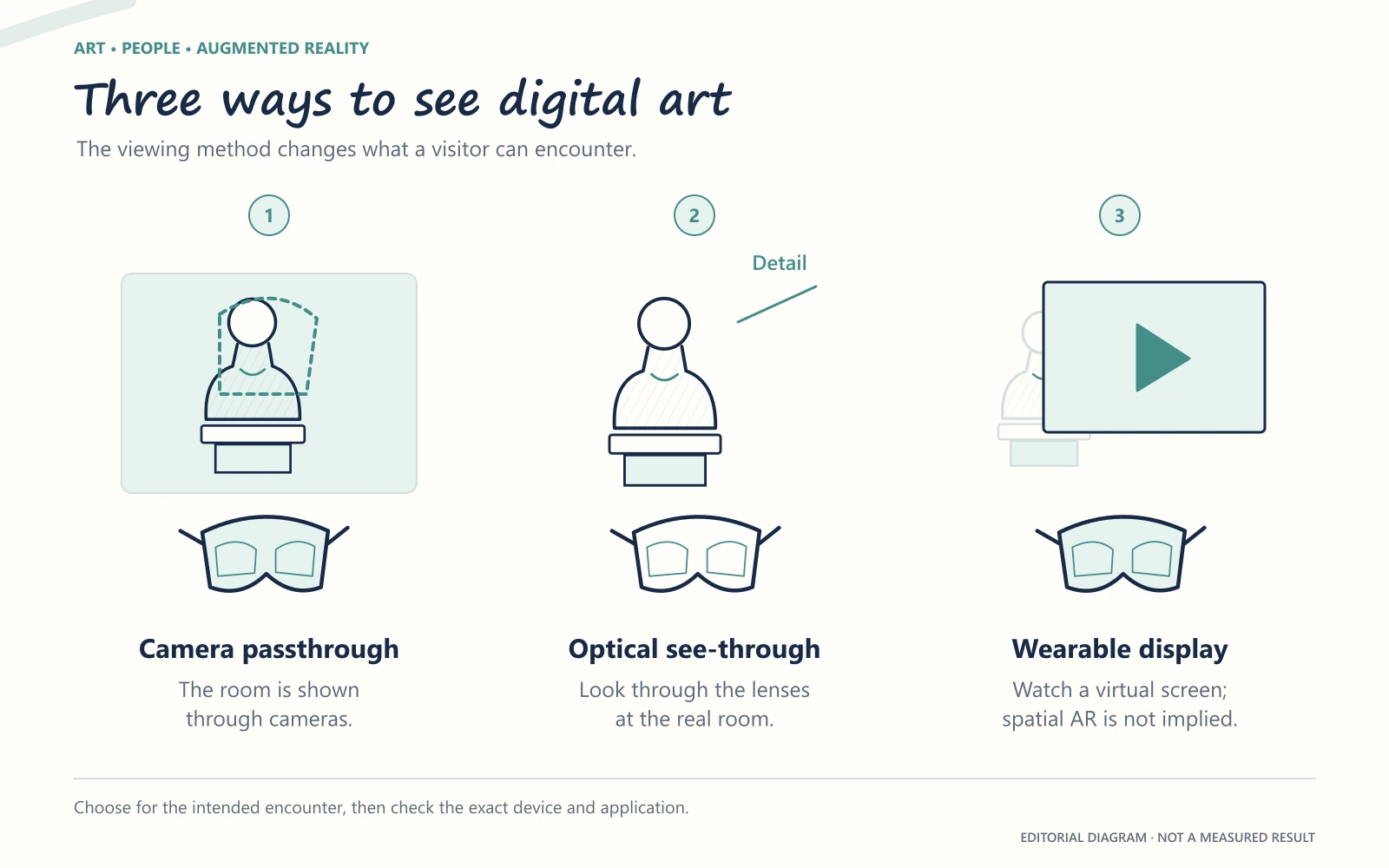
Three kinds of viewing that deserve different names
With a video-passthrough headset, cameras capture the room and displays show that view alongside digital content. Meta Quest, Apple Vision Pro and Samsung Galaxy XR belong to this broad family. Your view of the physical artwork therefore passes through a camera and a display.
Optical see-through glasses let you see the room through their lenses while adding digital imagery. That changes the relationship between the visitor and the original object. It also makes the light in the room, the position of the imagery and the field of view important parts of a demonstration.
Then there is the wearable screen use case: a large virtual display for a video, presentation or computer desktop. This can be valuable to an artist, but displaying a film in front of someone does not establish that the same device can recognise a painting and attach an animation to it.
A helpful purchasing brief describes the action: “The visitor sees a digital reconstruction aligned with this object” is much clearer than “We need AR glasses.” That sentence gives a supplier something concrete to demonstrate.
Viewing method matters more than the shared “XR glasses” label. These are device categories, not tested product rankings.
Where the current devices fit
Meta Quest 3 and Quest 3S are candidates for a pilot involving room-scale mixed reality. Meta documents colour passthrough and hand tracking on both. Quest 3 offers higher display resolution and a dedicated depth sensor; Quest 3S takes the less expensive position in the range. Meta's store also distinguishes Quest 3's pancake optics from the Fresnel lenses in 3S. Those differences justify trying the actual artwork and interface on both, particularly if visitors need to inspect details or read labels. Meta's device comparison, optics comparison.
Apple Vision Pro merits consideration when a project has a specific visionOS application or carefully produced spatial-media experience. The M5 version was announced in October 2025, and Apple lists art-viewing applications among its uses. The decision should begin with the content you can actually present and the fit process for your audience. A high-end display cannot make an unsupported experience work. Apple's announced retail markets also need checking against your location; a product announcement is not confirmation of local supply. Apple's M5 Vision Pro announcement.
Samsung Galaxy XR adds an Android XR option for spatial projects. Samsung's launch announcement describes a headset with passthrough cameras, hand and eye interaction, and an initial release in the United States and Korea. A Spanish-language announcement should not be read as evidence of Spanish retail availability. For a museum, the useful next question concerns the application, local procurement and support arrangements. Samsung's Galaxy XR announcement.
XREAL One Pro makes particular sense to investigate for a portable spatial screen: reviewing films, showing a presentation or working with a connected device. XREAL documents native 3DoF screen positioning and an optional Eye accessory for 6DoF. That is a reason to inspect its display workflow, not a basis for assuming artwork tracking or compatibility with every AR platform. A gallery showing an artist's film may find this use more relevant than a fully interactive installation. XREAL One Pro specifications.
Two emerging options deserve a separate line in the shortlist. XREAL AURA is an optical see-through Android XR product with reservations open and a launch expected in autumn 2026. Snap SPECS is also taking reservations, with shipping expected from autumn and preorders listed for the US, UK and France. As checked in September, both belong in the “follow and test” part of a procurement plan. XREAL AURA, SPECS availability.
The best museum device has to survive an ordinary afternoon
Picture the third group of visitors arriving while a battery is charging, someone needs help with the fit and a school group is waiting. The purchase price now looks like one line in a much larger decision.
For a lending programme, ask for a demonstration that includes the handover between visitors. Watch how a session starts, how staff see what is happening, how the experience returns to its beginning and how long the complete exchange takes. Use the duration of the whole encounter when planning capacity.
This concern appears in MuseumPros discussions about running VR exhibitions. Contributors describe fitting, cleaning and assistance as substantial parts of the work. These are individual accounts, not an industry-wide staffing formula, but they identify sensible questions to ask before commissioning.
Provide an alternative way to access the interpretation too. A visitor may prefer audio, a shared screen or the original object alone. The headset should sit within the exhibition's welcome, with an obvious choice about whether to use it.
For an artist buying one device for a studio, the balance changes. Personal comfort, the applications used every week and ease of showing work to a collaborator may matter more than rapid visitor turnover. The same hardware can be a good studio purchase and an awkward choice for a busy gallery.
Test the artwork, the software and the invitation together
Ask a supplier to demonstrate your actual content. A successful sample game tells you little about a finely textured sculpture, a quiet sound piece or a video aligned with a physical print. Include the lighting, viewing distance and language that visitors will encounter.
Browser access also needs a precise definition. Opening a website in a floating window is one capability; running an immersive session with the right tracking and interaction is another. Google's Android XR documentation explicitly notes that existing WebXR experiences may need adaptation. “It uses the web” is a starting point for testing. Android XR web documentation.
For a Painta project, prepare the story around the supported image, video, audio and GLB layers, then validate the intended viewing route. Headset compatibility should be confirmed on the actual device. A small phone-based experience can also help you assess the interpretation before a separate hardware investment.
If you are still shaping the artistic idea, spend time with the work in Discover, and use the AR Art Starter Pack to understand the available creative building blocks. The most revealing first test may be one visitor, one artwork and one moment worth looking at more closely.
Founder and creator of Painta.me. Artist in my spare time and AR art enthusiast. Building tools to help artists bring their creations to life through augmented reality.
A short weekly email with new Painta.me tools, practical AR ideas, artist opportunities, and ways to make your work easier to create, publish, and share. Useful even if you haven't created your first piece yet.
What you'll get
1
New AR tools
See what's new inside Painta.me and how it can help you create faster.
2
Artist opportunities
Open calls, featured works, community updates, and ways to get your art seen.
3
Practical AR ideas
Simple techniques to create, publish, and share better augmented reality pieces.
auto_awesome
Ready to create?
Create your free account, prepare an artwork and share it in augmented reality. Choose a paid plan when you need more.