There is a moment in an exhibition when a visitor leans closer. Perhaps a mark has caught their attention, or a voice has changed how they read an image. For artists and curators considering spatial technology, that is a useful place to begin: a small shift in attention, with a clear reason behind it.
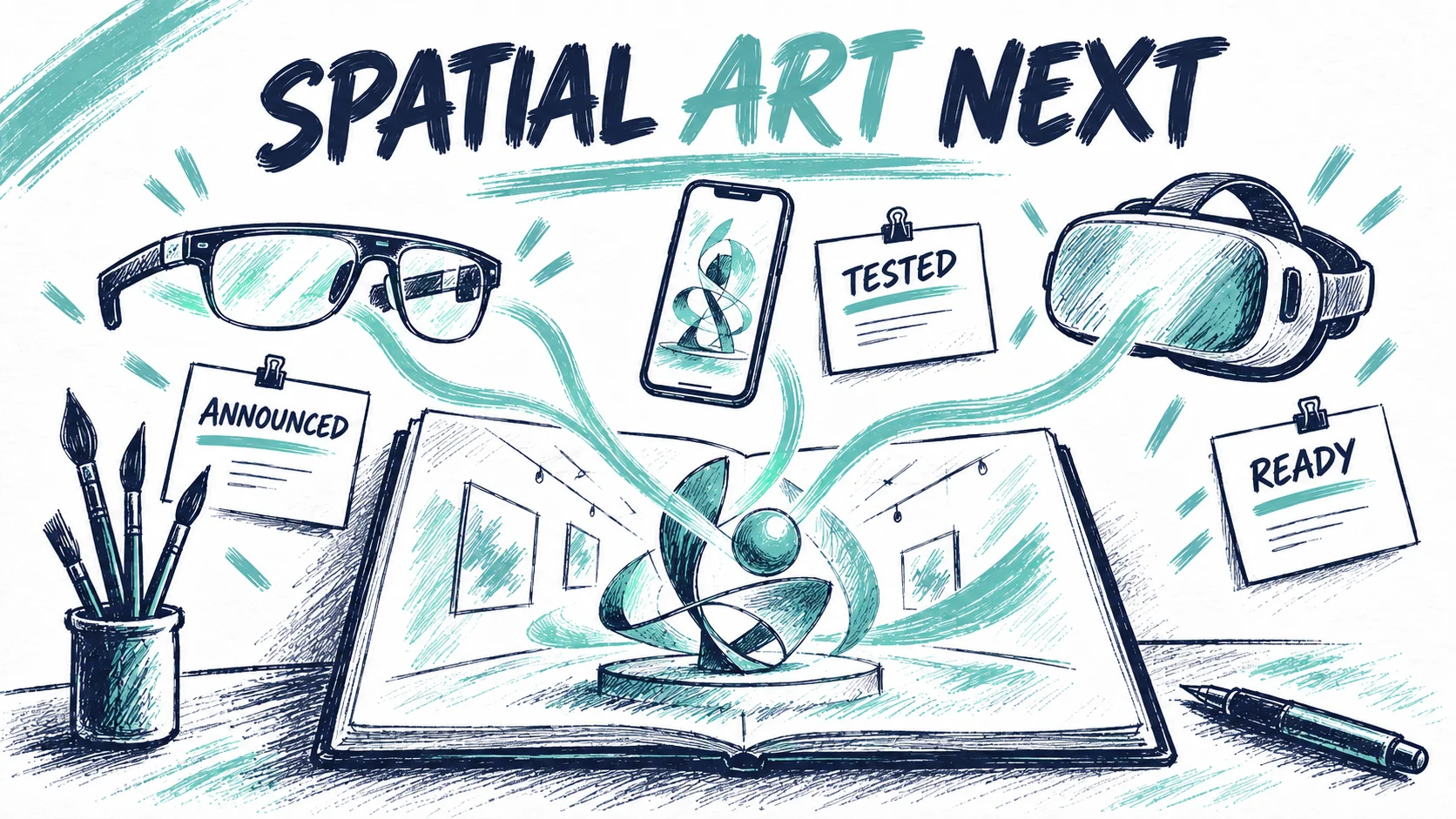
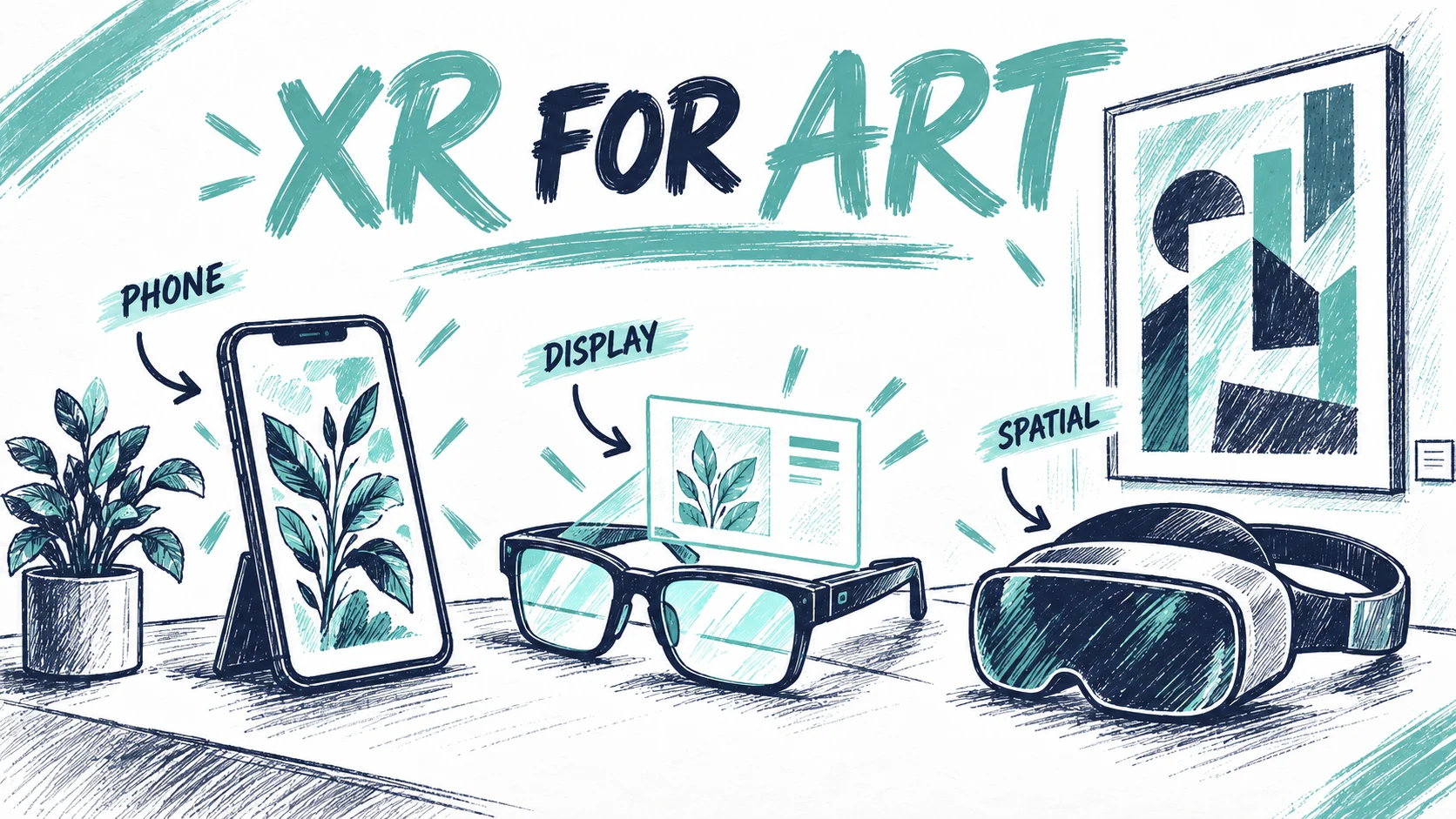
The latest XR announcements offer more ways to create such moments. Some put digital imagery into transparent glasses. Others bring spatial applications into a headset or improve what a browser can do. The opportunities are interesting, especially for work that depends on scale, movement and the relationship between objects.
The editorial challenge is deciding which developments deserve a place in an artistic programme. A launch can justify curiosity. A commission needs a more specific argument.
Photo: Painta.me · Original AI-generated editorial illustration
This article examines announcements and documentation checked on 20 September 2026. Products described as forthcoming should be checked again for current availability, regional support and the applications a project needs.
What the recent announcements actually change
Snap's September presentation of SPECS gives artists a concrete example of a creative practice moving into optical AR. Its announced collaboration with Imogen Heap uses hand and voice interaction to make music through spatial instruments. Snap also describes experiences around reading, play and learning. These are the company's presented projects, not experiences tested for this article. SPECS creative collaborations.
The artistic implication is worth exploring: the body and the surrounding space can become part of how a work is encountered. A musician might design gestures as part of a score. A visual artist might create a piece that reveals different relationships as someone changes position. Those possibilities need a developed artistic intention, including what happens when a visitor chooses to stand still.
Android XR broadens another route. Google announced reservations for XREAL AURA in June, with the optical see-through glasses expected in autumn 2026. Samsung's Galaxy XR had already introduced the platform in a headset. These are different physical forms within a developing software ecosystem. They should be assessed individually for a project. Google's AWE update, Samsung's platform update.
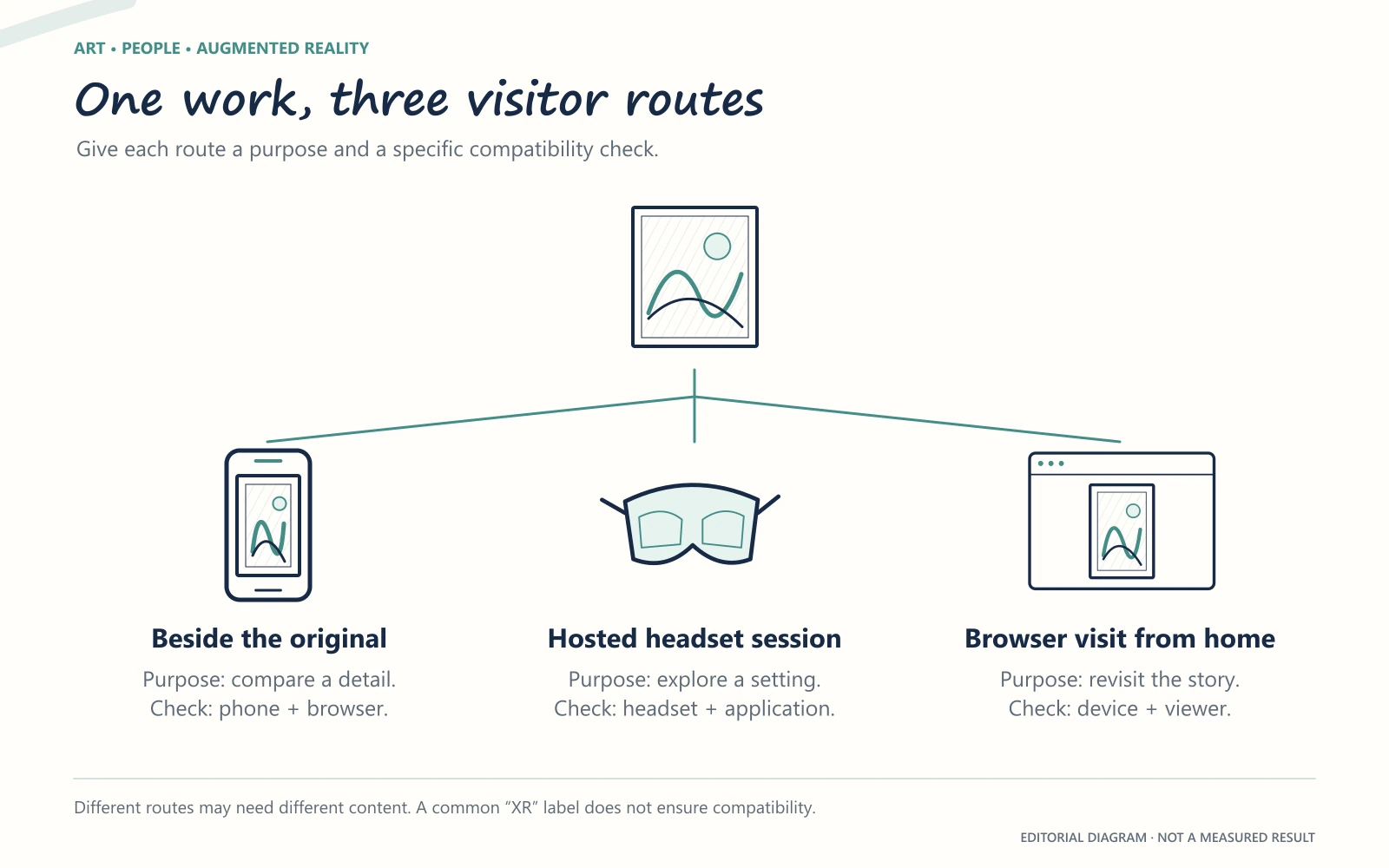
The opportunity is therefore broader than finding a favourite pair of glasses. It concerns the contexts in which spatial work may be seen: a scheduled museum experience, a studio presentation, a short encounter near an object or a visit from home. Each setting asks for its own form of invitation.
A browser is an important route, with specific limits
For a cultural organisation, a link is a useful starting point. It can sit beside a work, in an exhibition guide or in a message sent after a visit. The journey from that link into a spatial experience still depends on the device, browser and capabilities available.
Google's Android XR documentation describes immersive AR sessions, hand input and depth sensing, while noting that existing WebXR content may need adaptation. Apple's published WebXR session explains immersive VR in Safari on visionOS 2. These are specific documented capabilities, not a promise that every spatial website behaves identically across headsets. Android XR web documentation, Apple's WebXR session.
Think of compatibility as part of the visitor invitation. If someone follows a link from an exhibition label, the next screen should make clear what they can do on the device they have. If the full experience needs another device, they should still be able to understand the work and find a useful next step.
This matters to artists as well as institutions. A portfolio entry can explain the physical context, show a short recording and state how an interactive version is accessed. That gives a curator a way to evaluate the work before arranging a demonstration. It also keeps an ambitious spatial project intelligible beyond a particular launch event.
Choose the visitor route that supports the interpretation, then verify its actual hardware and software requirements.
Begin with the visitor outcome you can observe
In a MuseumPros discussion about AR, contributors voiced a familiar concern: digital additions can distract from the objects people came to see. Others saw value in revealing context that would otherwise remain difficult to understand. The thread is a collection of opinions, not a representative study, but the disagreement is productive.
It suggests a practical commissioning question: what should a person notice, understand or discuss after the experience?
For a painting, the answer might be the order in which an artist developed a composition. For an installation, it could be the relationship between the visitor's movement and a sound. For a historical object, it might be the distinction between a surviving fragment and a reconstructed whole.
These aims lead to different creative decisions. A short animation could clarify a sequence. Audio could invite a visitor to keep looking at the original. A spatial reconstruction could make an absent volume understandable. The technology earns its place when the form serves the intended encounter.
Plan a small pilot around that outcome. Ask visitors what they noticed and whether the digital material changed how they looked at the work. Observe where they hesitate or need help. Record those observations alongside technical issues. A successful launch screen is only one part of a successful interpretation.
What a spatial instrument asks of its audience
The Imogen Heap collaboration is an especially useful prompt for curators because music makes interaction tangible. A visitor moves, hears a response and begins to understand the relationship. Snap's account describes making, mixing and looping sound with spatial instruments through hands and voice. The artistic questions extend well beyond whether the device can recognise a gesture.
Consider a proposed gallery piece in which a hand movement changes one layer of a composition. The first response could be immediate and easy to hear; further gestures could expose subtler relationships. A person arriving halfway through would need some way to recognise what the participant is doing. The person wearing the glasses and the person watching beside them would encounter different versions of the same work.
This is our curatorial reading of the opportunity, not a description of extra features in Heap's announced Lens. It suggests that spatial art has an audience around the participant as well as inside the device. What can companions hear? Is there a shared display? Does the gesture itself become a performance? Those choices can determine whether a gallery encounter feels private, social or somewhere in between.
It also changes what an exhibition record should preserve. A screenshot alone would struggle to explain the relationship between movement and sound. A short recording, a description of the interaction and an account of the artist's intention could be essential companions. The new medium invites familiar curatorial care, applied to a work whose meaning unfolds through action.
Choose a first artwork that has something to reveal
The most useful first project may already be in the collection or studio. Look for a work with a story that is hard to communicate in a single label: a sequence of revisions, a remembered voice, a changing view or a relationship to a missing place.
Painta's image, video, audio and GLB layers provide ways to shape that material into an AR artwork. The content can be developed around a clear moment of interpretation, with any headset route tested separately. Our guide to choosing XR glasses for AR art can help frame that later decision.
Before building, write a sentence that begins, “After spending a minute with this work, a visitor will have noticed…” Let that sentence guide the material you select and the experience you make in your first Painta project. It gives the newest technology a purpose that belongs to the work.
Founder and creator of Painta.me. Artist in my spare time and AR art enthusiast. Building tools to help artists bring their creations to life through augmented reality.
A short weekly email with new Painta.me tools, practical AR ideas, artist opportunities, and ways to make your work easier to create, publish, and share. Useful even if you haven't created your first piece yet.
What you'll get
1
New AR tools
See what's new inside Painta.me and how it can help you create faster.
2
Artist opportunities
Open calls, featured works, community updates, and ways to get your art seen.
3
Practical AR ideas
Simple techniques to create, publish, and share better augmented reality pieces.
auto_awesome
Ready to create?
Create your free account, prepare an artwork and share it in augmented reality. Choose a paid plan when you need more.