A material defines how a rendered surface looks and responds to light, using settings and, optionally, textures.
The same shape can tell a different story
A mesh supplies the shape of a vase. A material can make that vase look like matte clay, polished metal or painted plaster. Its properties may include base colour, roughness, metallic behaviour, transparency and emission. A material does not need an image texture: a plain coloured surface can use only numerical settings.
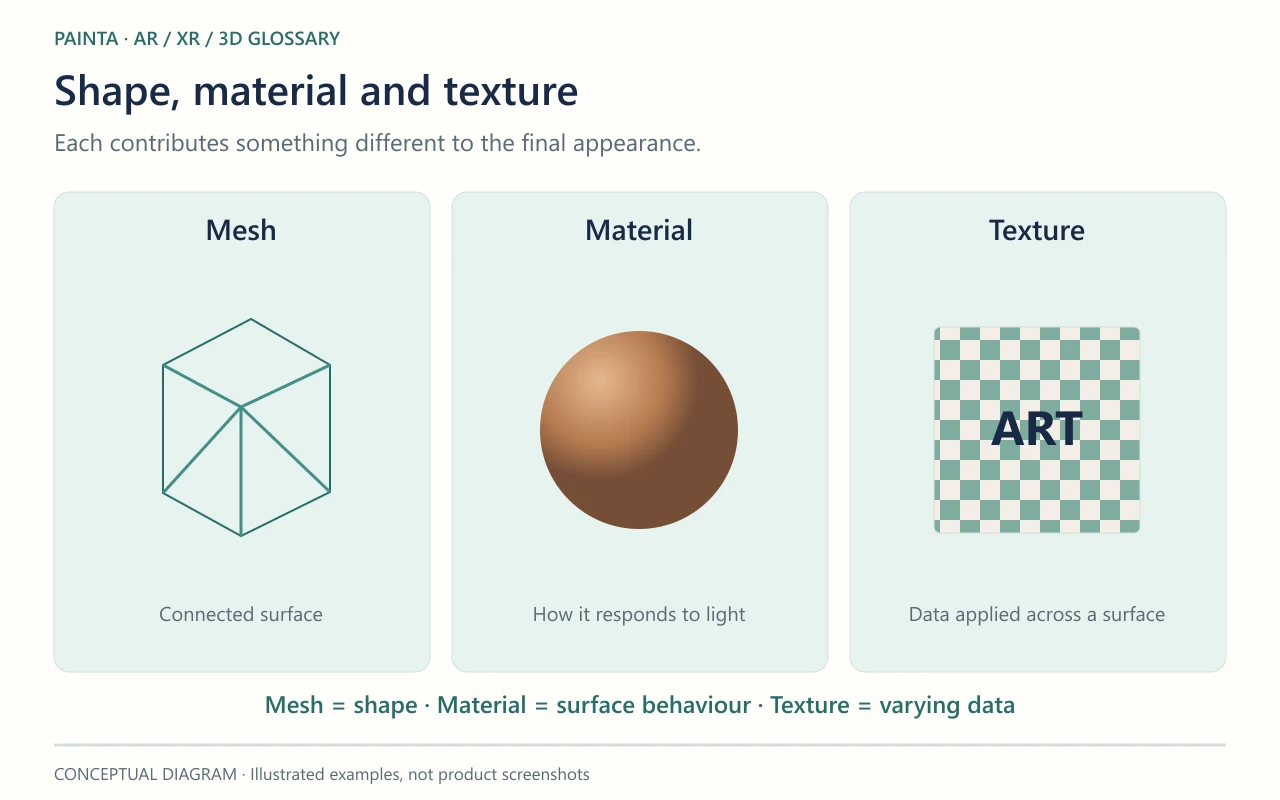
Material and texture are different layers
A texture supplies data that a material reads. For example, one image may vary the colour across the surface, while another controls roughness. Changing the texture is therefore only one way to change the appearance. Lighting also matters: a reflective object in an empty or poorly lit environment can look unexpectedly dark despite having the correct material.
When preparing artwork for Painta
Check the material in the exported GLB, not only in the original 3D application. A complex procedural shader may need baking into supported textures before a web viewer can reproduce the intended appearance. Start with the characteristics that carry the artwork’s meaning, such as painted marks or a ceramic finish, then compare them on the devices visitors will use.