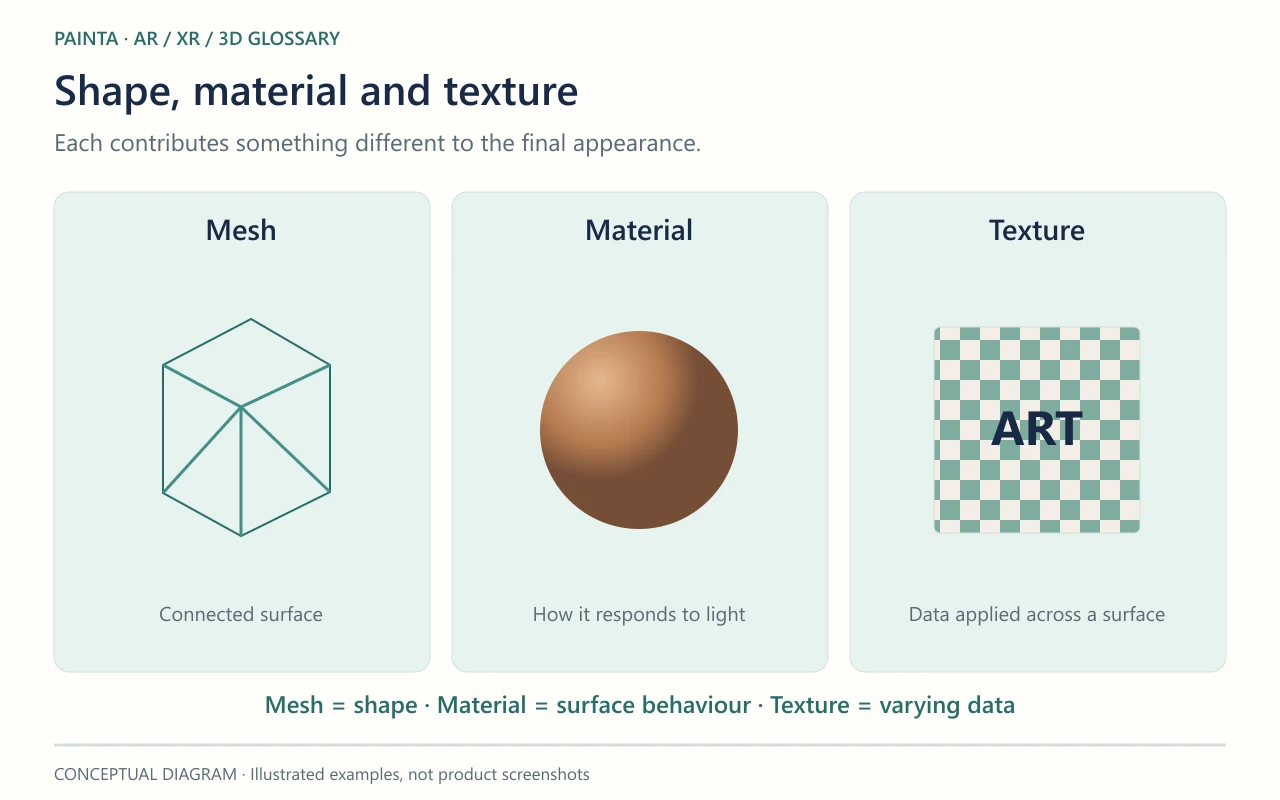
A texture is image or sampled data used by a material to vary a surface property across an object.
More than a picture wrapped around a model
A colour texture can carry brushwork, lettering or a scanned surface. Other textures can describe roughness, transparency or small changes in shading direction. Those maps may look strange when opened as ordinary images because their pixels represent instructions rather than final colour. The material decides how each texture is interpreted.
Resolution has a viewing purpose
A large texture is useful only when the visitor can see the extra detail. Tiny lettering may need careful resolution and framing, while an object viewed from several metres away may not. File size on disk and memory use after loading are different: a small compressed image can still occupy substantial graphics memory when decoded. Several maps on several objects add up.
Protecting the character of the artwork
For a Painta asset, inspect meaningful details at the intended viewing distance before reducing texture size. Check colour textures separately from normal or roughness maps, which use different data conventions. If a logo is stretched or appears on the wrong side, the problem may be UV mapping rather than image quality. Export with the necessary files included or embedded so the viewer can find them.