Occlusion occurs when one object blocks another from view. In AR, it determines whether digital content appears in front of or behind physical objects.
Why the order matters
Imagine a virtual bird moving behind a real sculpture. If the whole bird remains visible on top of the sculpture, the illusion breaks. Occlusion lets the appropriate part of the digital object disappear behind what should block it.
See the concept in motion
How a system can decide what to hide
An experience may use depth information, a reconstructed surface or a deliberately prepared masking object. These methods have different requirements. Not every viewer understands the room well enough to hide virtual content behind arbitrary physical objects.
Occlusion is not transparency
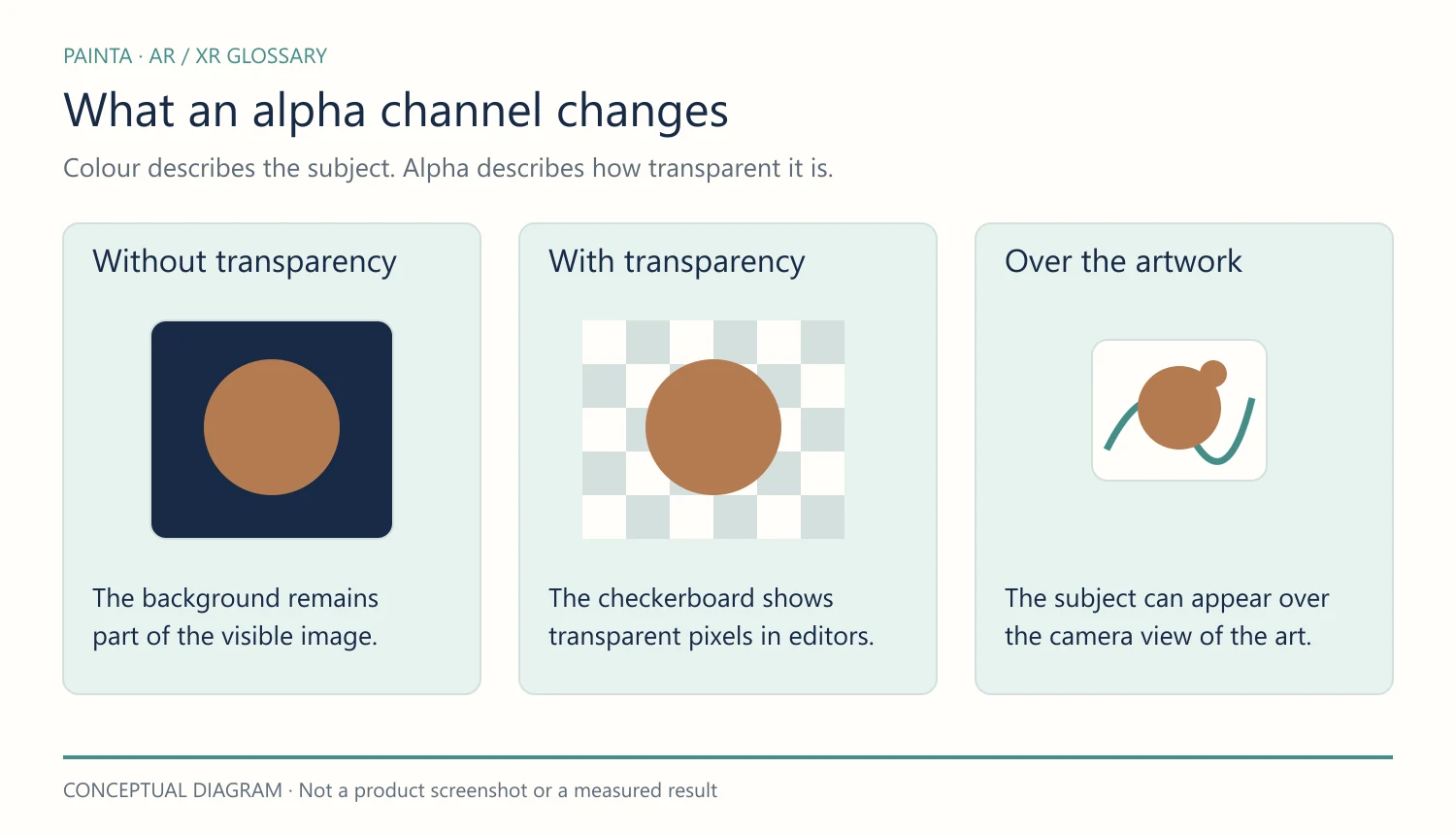
An alpha channel describes how transparent the digital content itself is. Occlusion describes what blocks it. A transparent animation can still have incorrect depth ordering against the real world.
An art-direction decision
For an artwork, choose whether digital elements should appear to sit on the surface, float in front or pass behind something. Check that the chosen viewer can produce that specific relationship. The entry explains an AR concept, not a guarantee of automatic scene occlusion in every Painta mode.