Draco is a geometry-compression technology used to reduce the encoded size of 3D meshes and point clouds.
The geometry travels in a smaller package
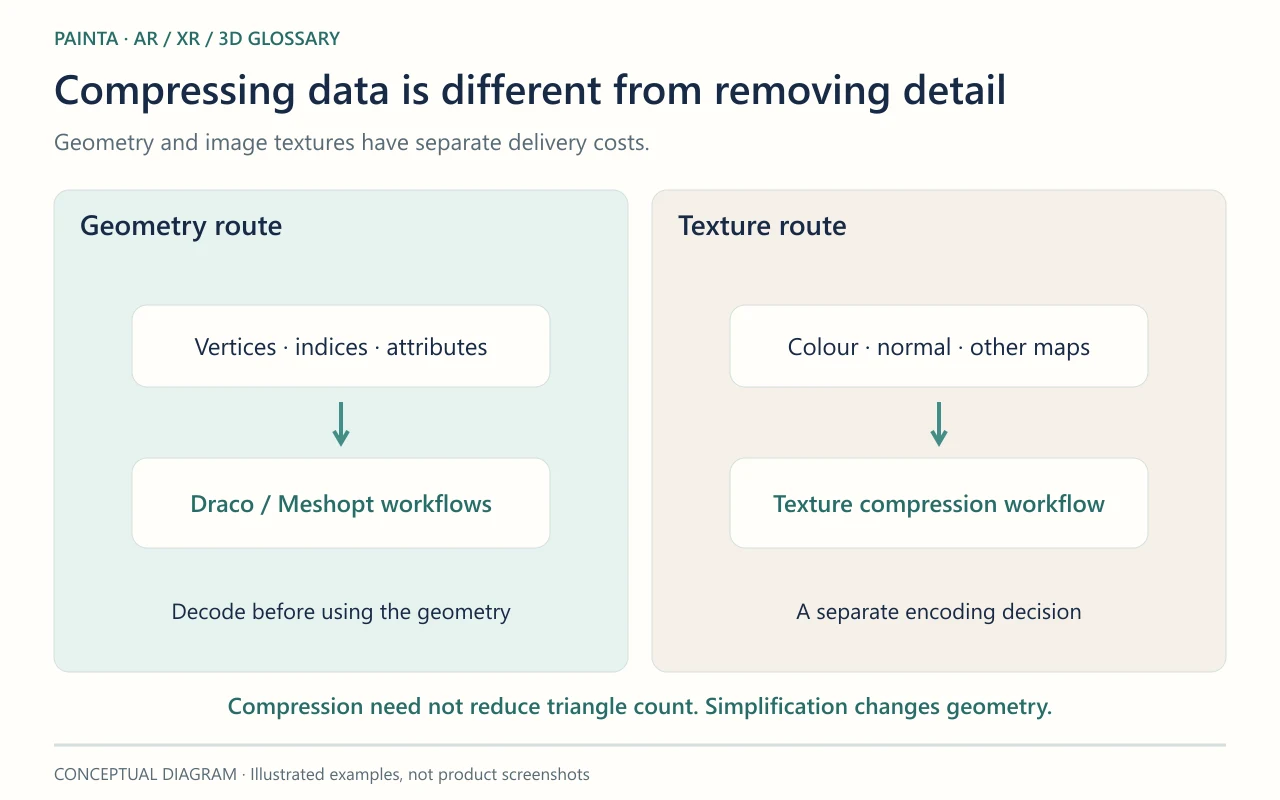
In a glTF workflow, Draco compression stores supported mesh geometry in a compressed representation that a compatible loader decodes. It does not compress the model’s image textures. If photographs dominate a scan’s file size, compressing only the geometry may make a modest difference to the whole download.
An encoder setting is not a universal quality level
Compression and quantization settings affect size, processing cost and numeric precision. A workflow may reduce position or UV precision, so inspect fine contours and seams. Decode time also belongs in the loading budget. There is no single Draco setting that guarantees the best result for every object and phone.
Keep an uncompressed comparison
For a sculptural detail, export a reference GLB and a Draco version from the same source. Compare the face, rim and any inscription, then play every animation in the intended viewer. Confirm that the loader can obtain and run the decoder. If the compressed version fails to open, distinguish missing decoder support from a damaged source model before rebuilding the artwork.