Image-based lighting uses an image of an environment to supply lighting information for rendered surfaces.
The surroundings become part of the light
Imagine a bronze bust beside a bright window. Its reflections help reveal the curvature and metallic surface. In IBL, an environment image provides light from different directions, often using a high dynamic range image. The renderer prepares that information for surfaces with different roughness, so polished and rough materials need not show equally sharp reflections.
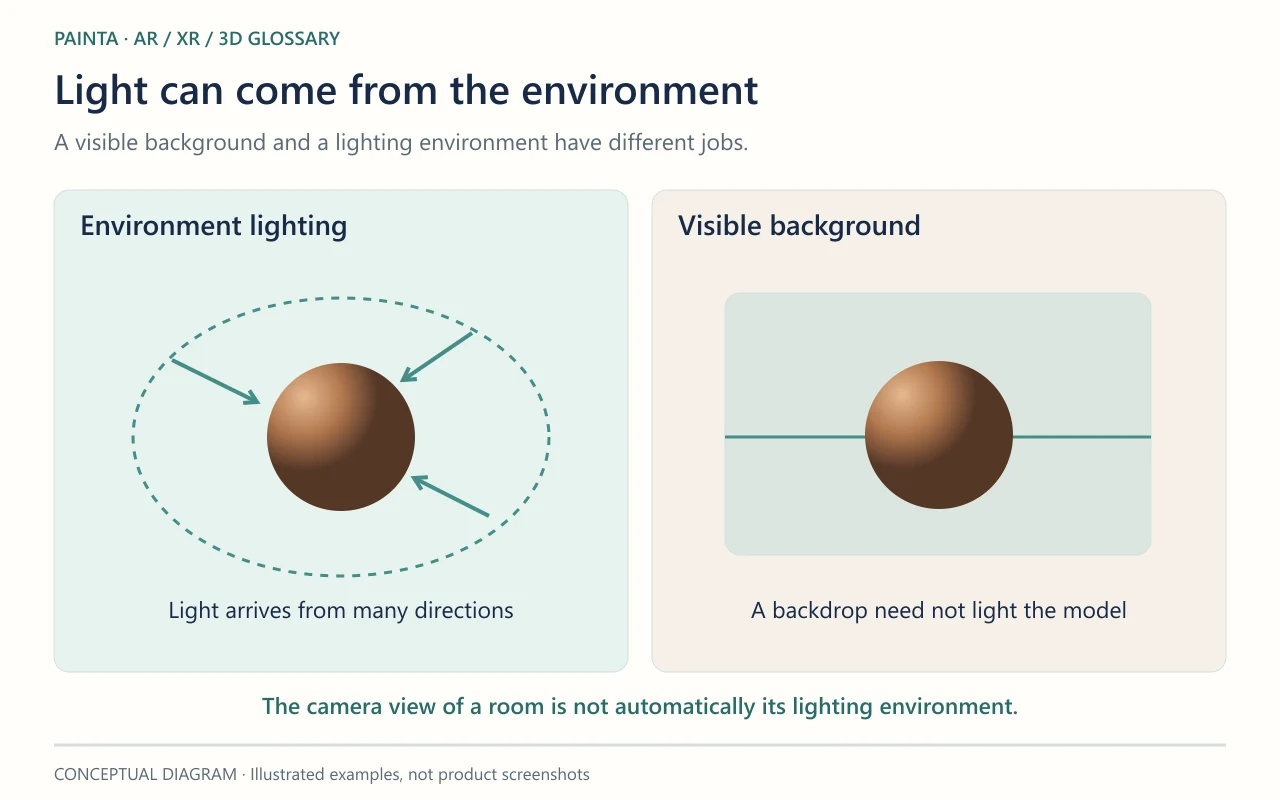
A visible background and a lighting environment are separate
A panorama shown behind a model does not necessarily light it. Conversely, an environment can illuminate the model without appearing as the background. In an AR view, the real room seen by the camera is not automatically the model’s lighting environment. Matching real illumination requires an appropriate capture or estimation workflow.
A controlled comparison for an artwork
If a metal object looks unexpectedly dark after export, check the environment as well as the material. Compare the same model under a neutral setup before repainting its texture or increasing every light. For a Painta experience, judge the delivered asset in its actual viewer: an attractive studio preview is not evidence that the material will look identical there.