Backface culling skips polygons classified as facing away from the camera, rather than drawing both sides.
Why a thin surface can disappear
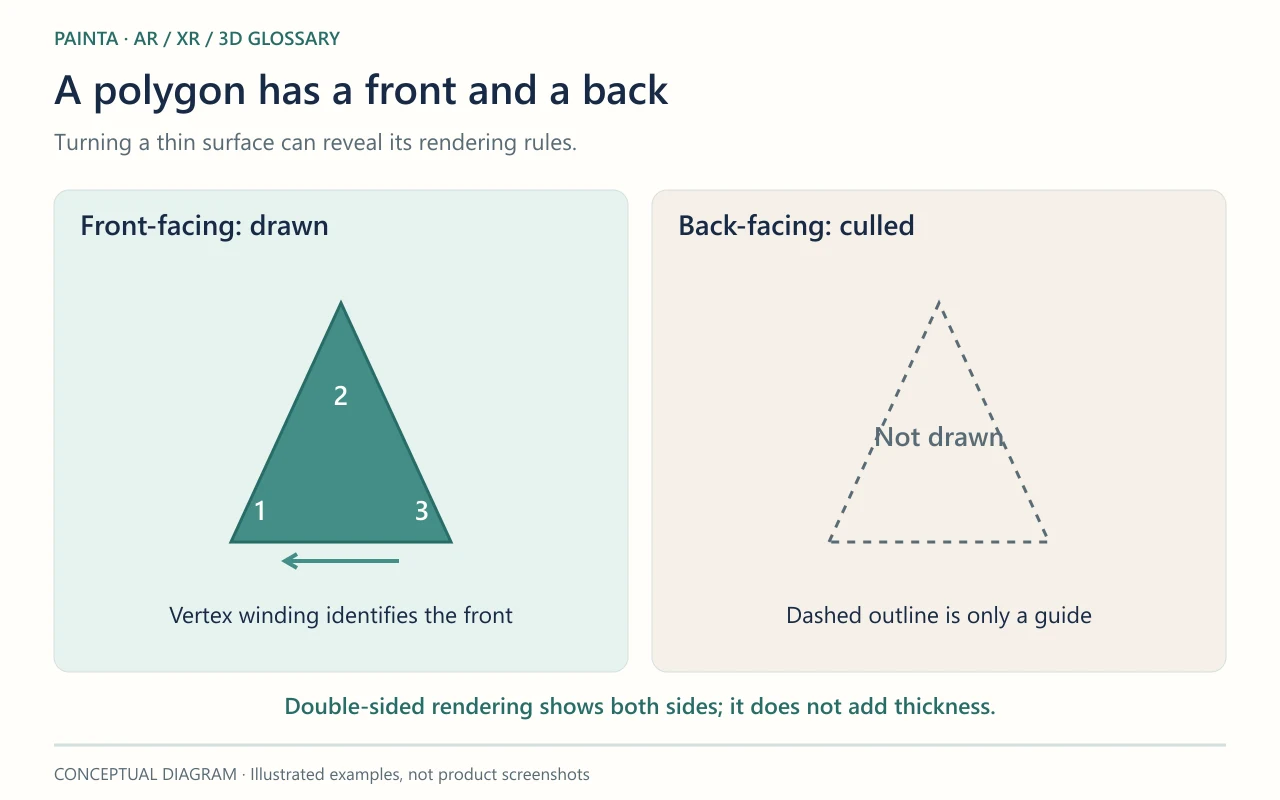
A single polygon has a front and a back. If a painted leaf is made from one thin plane, it may look correct from one side and vanish when viewed from the other. The surface is still there; the renderer is omitting its back-facing side. A double-sided material can make both sides visible, but does not give the leaf physical thickness.
Face orientation is different from a shading normal
Rasterizers identify a polygon’s facing direction from its projected vertex order, called winding. Surface normals describe directions used for shading. These concepts are related during modelling, but changing a normal map is not the same as correcting a face’s winding. Mirrored transforms and exporter behaviour also deserve attention when an imported object appears inside out.
Choose the treatment the object needs
For a cutout butterfly, two visible sides may be intentional. For a solid vessel, a missing wall may instead reveal an orientation or geometry problem. Inspect the source mesh and orbit the exported asset before making every material double-sided. Use real thickness when the viewer should see an edge or interior. Check the result at the viewing angles visitors can actually reach.