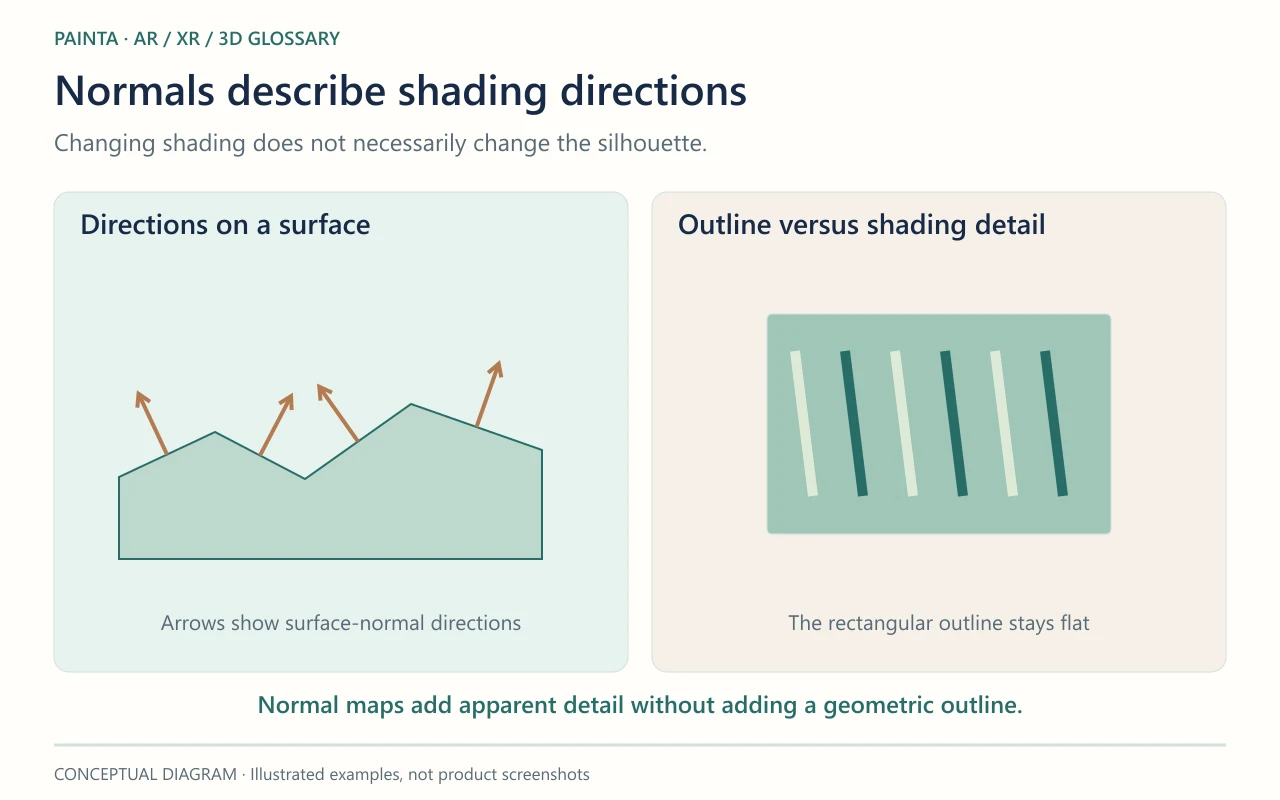
A normal map stores directions in a texture to change a surface’s lighting detail without changing its geometry.
Small relief, without a new outline
On a carved medallion, a normal map can suggest shallow grooves as light crosses the surface. Its coloured pixels encode directions rather than painted colour. The renderer uses those directions when shading the mesh. The outside edge stays the same: a groove that must cut into the silhouette needs suitable geometry, not only a normal map.
The map must match the surface
Tangent-space normal maps depend on the surface’s UV mapping and tangent directions. A mismatched convention can make raised detail look recessed or introduce seams. Treat a normal texture as data rather than an ordinary colour photograph; in Blender, that normally means Non-Color. A bump map and a displacement map are related techniques, but they do not store or apply the same information.
Inspect a small, meaningful detail
For an ornamental frame, compare the exported model with and without the normal map under the same moving light. Look at a carved edge, a UV seam and the silhouette. If the surface improves when the map is removed, inspect the map setup before adding polygons. Keep a reference export so later texture compression can be checked for damage to the apparent relief.