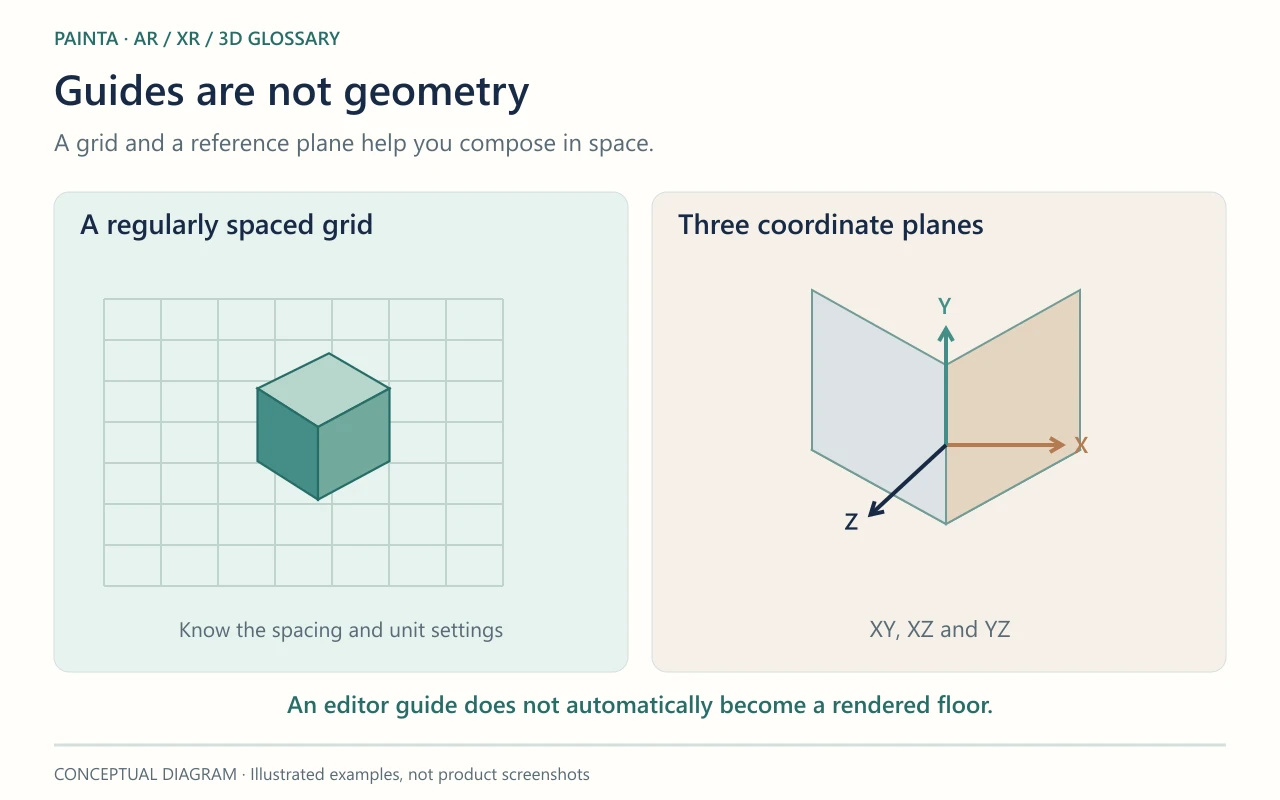
A reference grid is an editor guide made of regularly spaced lines that helps judge alignment, spacing and scale.
A ruler in the workspace
A grid gives empty 3D space some structure. It can help place objects at regular intervals or judge whether a model is close to the origin. The spacing has meaning only when you know the unit settings. Some editors change the displayed subdivisions as you zoom, so a square on screen is not always the same physical size.
The grid is usually a guide, not a floor
An editor overlay does not automatically become geometry in the published experience. A model can appear to stand on the grid yet have no visible floor, collision surface or shadow receiver in the viewer. If you need a rendered surface, that is a separate scene element. Likewise, grid visibility and snapping are different settings: seeing lines does not mean movement is constrained to them.
For a group of exhibition elements
A grid is useful while spacing several labels or arranging a small family of objects for a Painta scene. Judge the final result in the visitor view too. Perspective makes evenly spaced grid lines appear closer together in the distance; that visual convergence does not mean the spacing in the 3D scene has changed.