Retopology rebuilds the face layout of a mesh to make its structure more suitable for animation, editing or efficient rendering.
A new structure around the same form
A scan or sculpt can contain irregular, extremely dense geometry. Retopology creates a more deliberate surface layout around the important form. It may reduce the face count, but its purpose is broader than making a smaller file. A well-organised mesh can be easier to unwrap, shade and deform when a character bends.
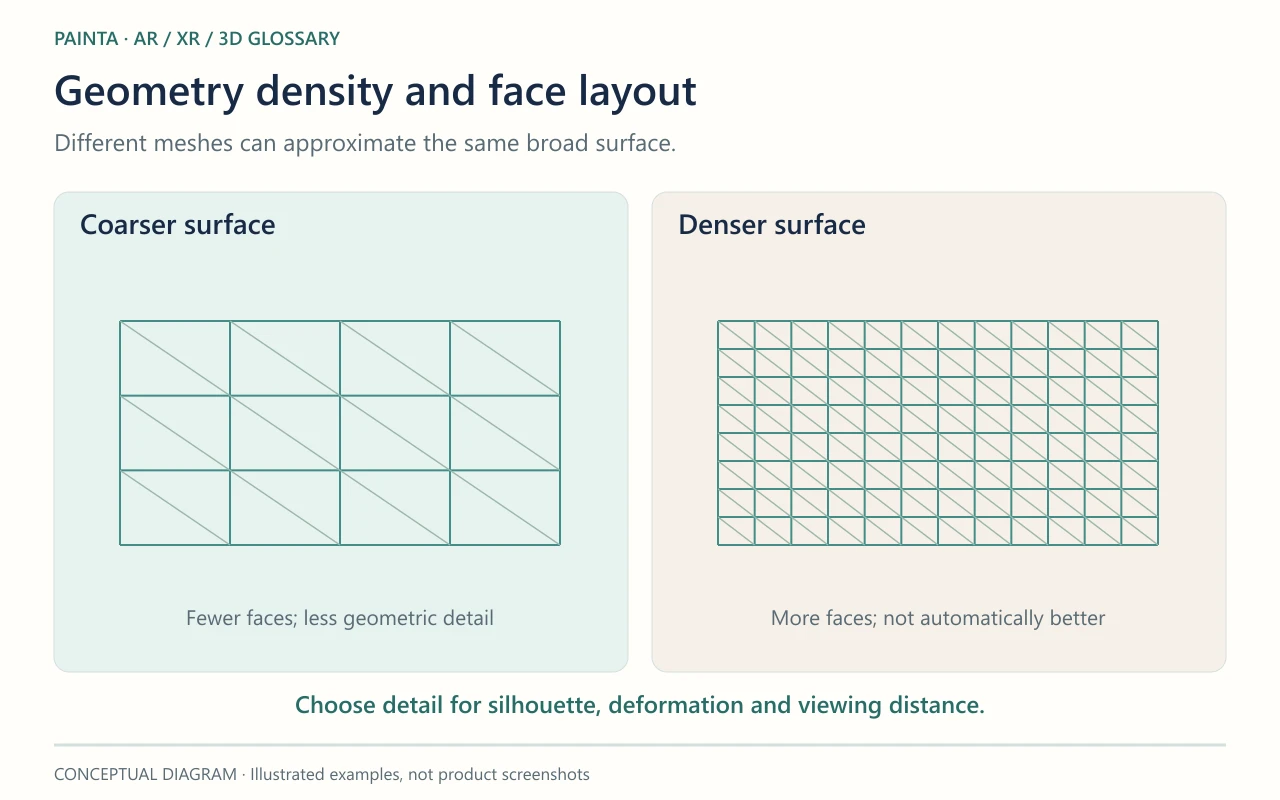
Reduction and retopology solve different problems
Automatic decimation removes geometry while trying to preserve shape. It can work well for a static object, but the remaining triangles may not bend cleanly around an elbow or mouth. Retopology can place loops where the movement needs them. Fine detail may then be transferred from the original onto textures or normal maps for the new mesh.
For a captured artwork
Before bringing a scanned sculpture into Painta, decide whether it will stay rigid or become animated. A static display and a moving figure may need different preparation. Keep the high-resolution source for archival use and compare the delivery model against it. Check thin parts, holes, silhouette and recognisable details; a neat mesh is only useful if it still communicates the object accurately.