Level of detail uses different representations of an object to match the amount of detail needed in a particular view.
Spend detail where it can be seen
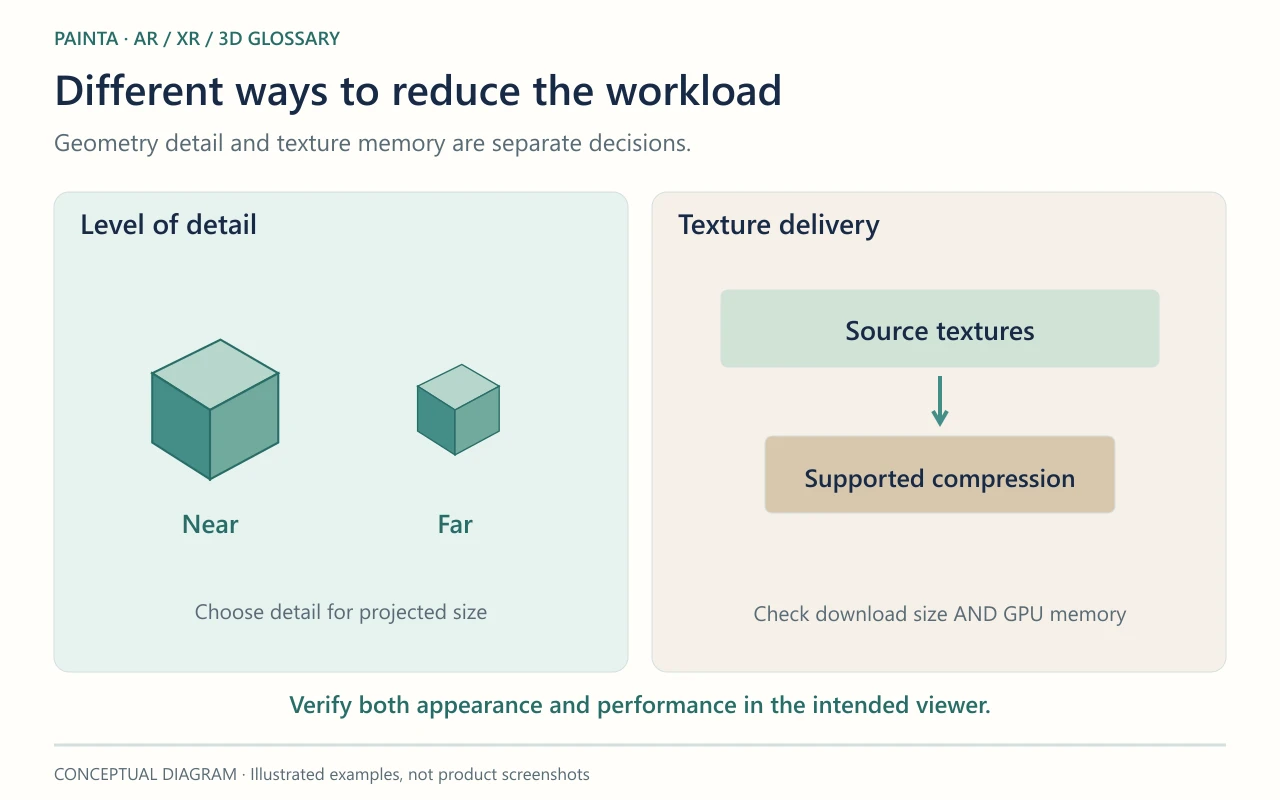
A sculpture close to the visitor may need a detailed silhouette and sharp textures. Farther away, a simpler representation can look nearly identical on screen. An LOD system can select between prepared versions according to distance or projected size. Other approaches vary detail continuously rather than switching whole models.
It needs more than several exported files
The viewer must know which representation to use and when to change it. Poor transitions can make a shape visibly pop, and extra versions can increase download or memory costs if they are loaded carelessly. LOD is also different from a texture mipmap: mipmaps provide smaller texture levels, while an object-level LOD can change geometry or other parts of the representation.
For an AR collection
A room containing many digital works may benefit from a deliberate detail strategy, but a single small experience may be better served by one well-optimised model. For Painta, confirm whether the intended viewer supports the required LOD workflow before relying on it. In either case, test the nearest expected viewing distance so faces, inscriptions and distinctive edges remain convincing.