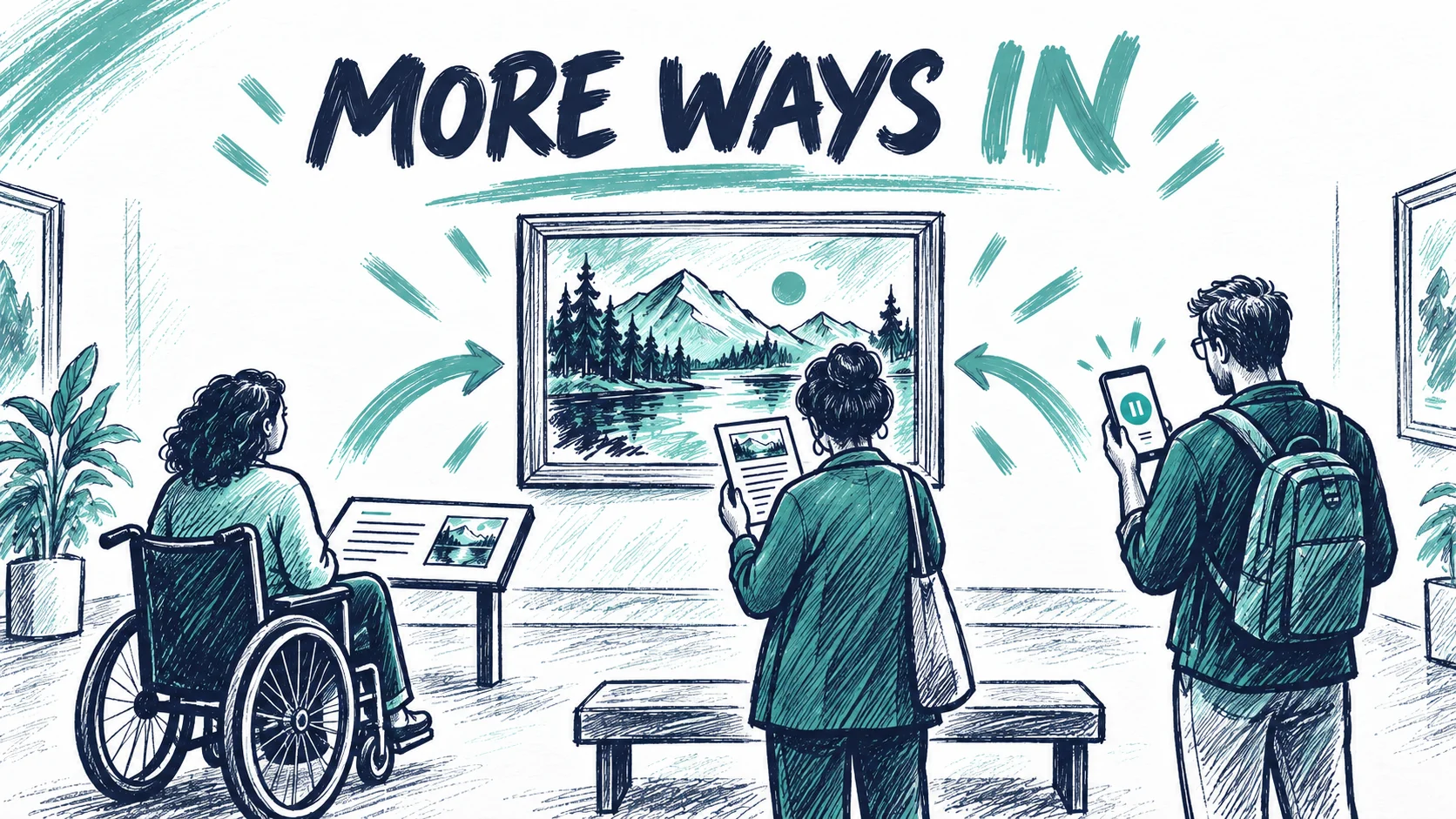
The visitor who leaves their phone in their pocket is still part of the exhibition.
So is the person who cannot comfortably hold a device up, the visitor who needs a spoken description of an image, and the person who wants to read in a quiet corner before returning to an artwork. An exhibition's digital layer has to sit within all of those possible visits.
For a curator or artist, this changes the first question. Before asking how an AR experience will appear, ask what someone needs to understand about the work, and how else they can encounter that idea.
Photo: Painta.me · Original AI-generated editorial illustration
That is a creative question as much as a technical one. It asks us to be precise about what matters.
A recent museum example widens the conversation
ArtLens Reimagined opened to the public at the Cleveland Museum of Art on 28 July 2026. The museum describes tactile maps, braille, touchable reproductions and an app offering screen-reader navigation and descriptions. Its gallery brings together several kinds of digital and physical interpretation. The institution's account is useful because it treats access as a relationship between content, space and different ways of encountering them.
For a smaller gallery, the useful lesson is a way of thinking. The digital component belongs to a wider visit. A clear physical introduction, a thoughtful description and a place to pause may be as relevant to that visit as the scene on the screen.
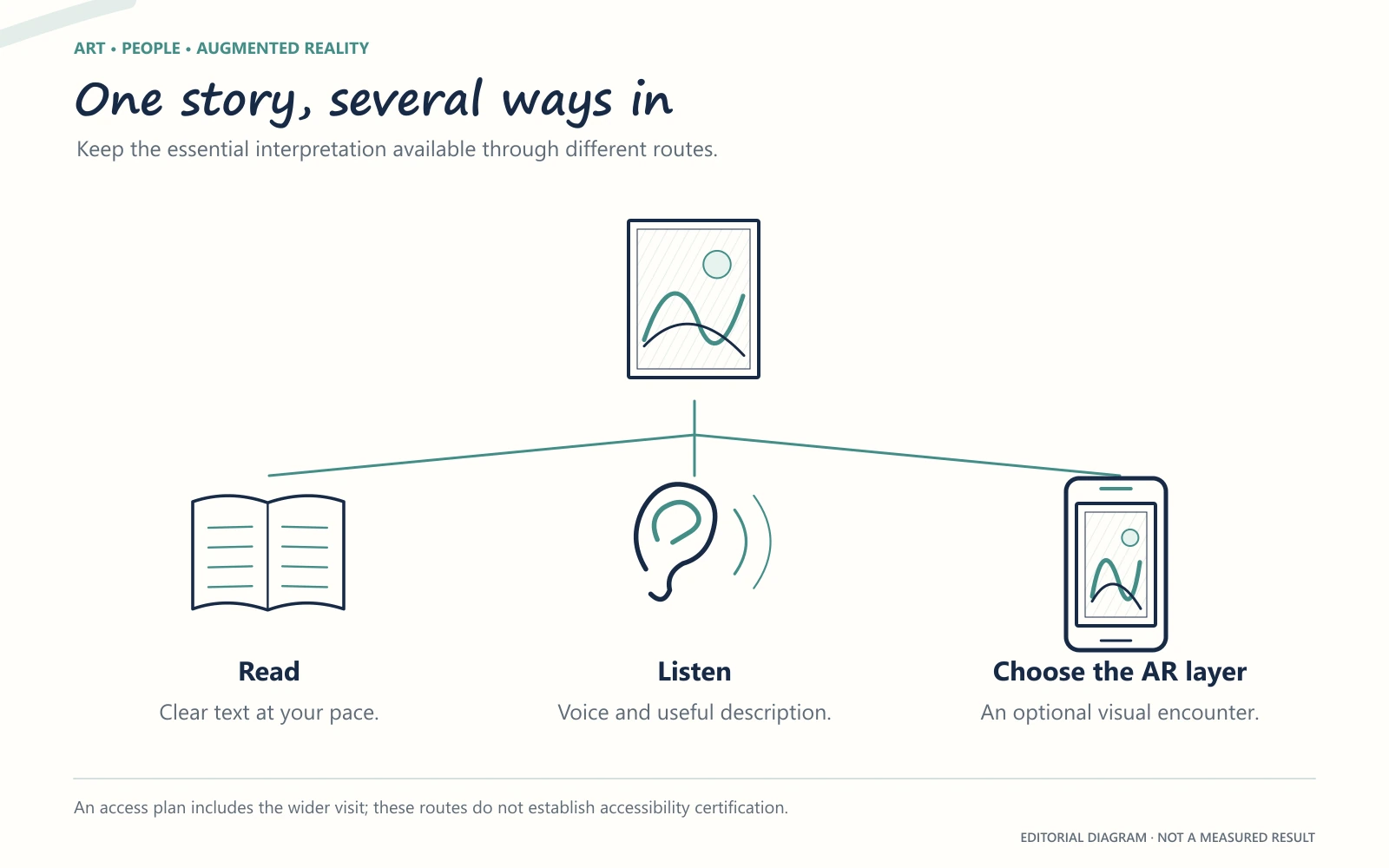
The story needs more than one route
Imagine an AR layer revealing a preparatory drawing beneath a finished painting. The reveal may be visually compelling, but its meaning deserves to be expressed in words too. What changed? Why is the difference interesting? Is the drawing documented, or is the sequence an interpretation of how the artist might have worked?
A written explanation can let someone revisit those questions at their own pace. A spoken description can explain the visual relationship. A gallery educator can discuss the choices with a group. The different versions will not be identical, but they can share the same essential idea.
This is more useful than treating a transcript as a last-minute export. The work of writing the alternative may expose a weakness in the original: perhaps the animation looks convincing without actually explaining what happened.
It also protects the exhibition's coherence. Visitors should not have to unlock a particular device experience to understand why an artwork is included in the show.
Audio and visual description have different jobs
An artist talking about a memory is offering a voice and a perspective. A narrator describing where forms sit in a composition is offering orientation. Both can be valuable, and they should not be assumed to do each other's work.
For a hypothetical textile piece, the artist might recall the rhythm of sewing beside a relative. The description might explain the uneven red seam running through a pale field. An interpretation could then discuss how memory and repair connect. Allowing those contributions their own space can make the work easier to approach without reducing its complexity.
The same care applies to text. A visitor looking down to read a caption should not have to guess which visual event has just passed. If an essential explanation depends on timing, the team needs to consider how someone can recover it.
W3C's XR Accessibility User Requirements discusses needs including alternative inputs, different sensory outputs and customisable captions. Published as a Working Group Note in 2021, it is exploratory guidance, not a certification checklist. Its value here is in prompting questions that a visually led concept can overlook.
The essential story should remain available through meaningful alternatives. Assess each route with its intended visitors.
Give the body a place in the design
The exhibition may ask for only a minute of someone's attention, yet that minute has physical demands. A raised arm, a particular viewing angle, a step backwards or a turn around a sculpture can make participation difficult for some visitors.
Discussing those demands early gives the team options. Could the relevant image be seen from a seated position? Could the same explanation be available without continuous tracking? Could a member of staff demonstrate the scene without requiring someone to borrow and operate an unfamiliar device?
These are questions to test with the people who will use the exhibition. A comfortable experience for the person producing it does not establish a comfortable experience for everyone else.
The environment matters too. A quiet studio review will not reveal every difficulty in a busy gallery, where movement, voices and competing instructions may change how an experience feels. Include that setting in the review, along with the artwork and the software.
An optional experience can still be a generous one
“Optional” should mean that a visitor can choose a meaningful route. It should not mean that the most important explanation is hidden behind a scan while everyone else receives a title and a date.
The invitation can be specific: a short artist recording, a view of a hidden surface, or an explanation of a particular detail. Visitors can then decide whether it interests them. Clear expectations also let companions help one another without having to decipher a mysterious digital feature.
Our earlier article on AR that serves the artwork explores that interpretive focus. A well-defined purpose makes it easier to decide what an alternative version must communicate.
It is equally reasonable for someone to decline the digital layer. An exhibition can welcome that choice and still take its AR work seriously.
Review with people, and describe the limits honestly
An access review becomes more useful when participants can affect the outcome. If visitors identify a problem, the schedule and budget need room for changes. Otherwise, asking for feedback risks becoming a ceremonial step after the decisions have been made.
Include the written and spoken interpretation in that review, alongside the interactions. Can someone understand what is being offered before starting? Is the language clear without flattening the subject? Does the alternative preserve the important idea? Where does a person need help, and is that help available?
Testing a few devices is useful for finding technical failures. It does not establish that an exhibition meets every access need or complies with a formal standard. Nor does browser delivery, an audio track or a visible caption establish accessibility by itself. Those are components whose usefulness depends on the complete experience.
When choosing an AR platform, ask which parts of that experience the tool supports and which require another route. An honest answer is more useful than a broad promise.
Bring the access brief into the first conversation
Painta can provide image, video, audio and 3D layers reached through a web QR experience. A museum should assess those capabilities within its wider interpretation and access plan; they do not constitute an accessibility certification.
The most useful starting material is therefore more than an image file. Bring the intended story, the audience, the alternatives you want to offer, and the conditions in the gallery. You can explore Painta's options for exhibitions with those questions already in view.
Founder and creator of Painta.me. Artist in my spare time and AR art enthusiast. Building tools to help artists bring their creations to life through augmented reality.
A short weekly email with new Painta.me tools, practical AR ideas, artist opportunities, and ways to make your work easier to create, publish, and share. Useful even if you haven't created your first piece yet.
What you'll get
1
New AR tools
See what's new inside Painta.me and how it can help you create faster.
2
Artist opportunities
Open calls, featured works, community updates, and ways to get your art seen.
3
Practical AR ideas
Simple techniques to create, publish, and share better augmented reality pieces.
auto_awesome
Ready to create?
Create your free account, prepare an artwork and share it in augmented reality. Choose a paid plan when you need more.