One QR Code for Your Art Gallery: Collections or Scan?
person
Painta.me
Sep 22, 20267 min read
Imagine a visitor stopping at the painting furthest from the gallery entrance. A small sign offers a QR code for the exhibition. They open it, hoping to learn about the work in front of them. The next few moments decide whether that invitation feels helpful: can they find this painting, and can they tell what to do next?
One QR code can give an art exhibition a shared digital entrance. It can also reduce the number of different codes competing with the works and their labels. Its usefulness depends on what happens after the scan.
For an artist, gallery or curator, there are two distinct possibilities to consider. A collection gives visitors a prepared sequence of works. Artwork recognition begins with a photograph of the work that has caught their attention. Painta offers both kinds of entry, through Collections and Scan. Choosing between them starts with the room and the visit you want to support.
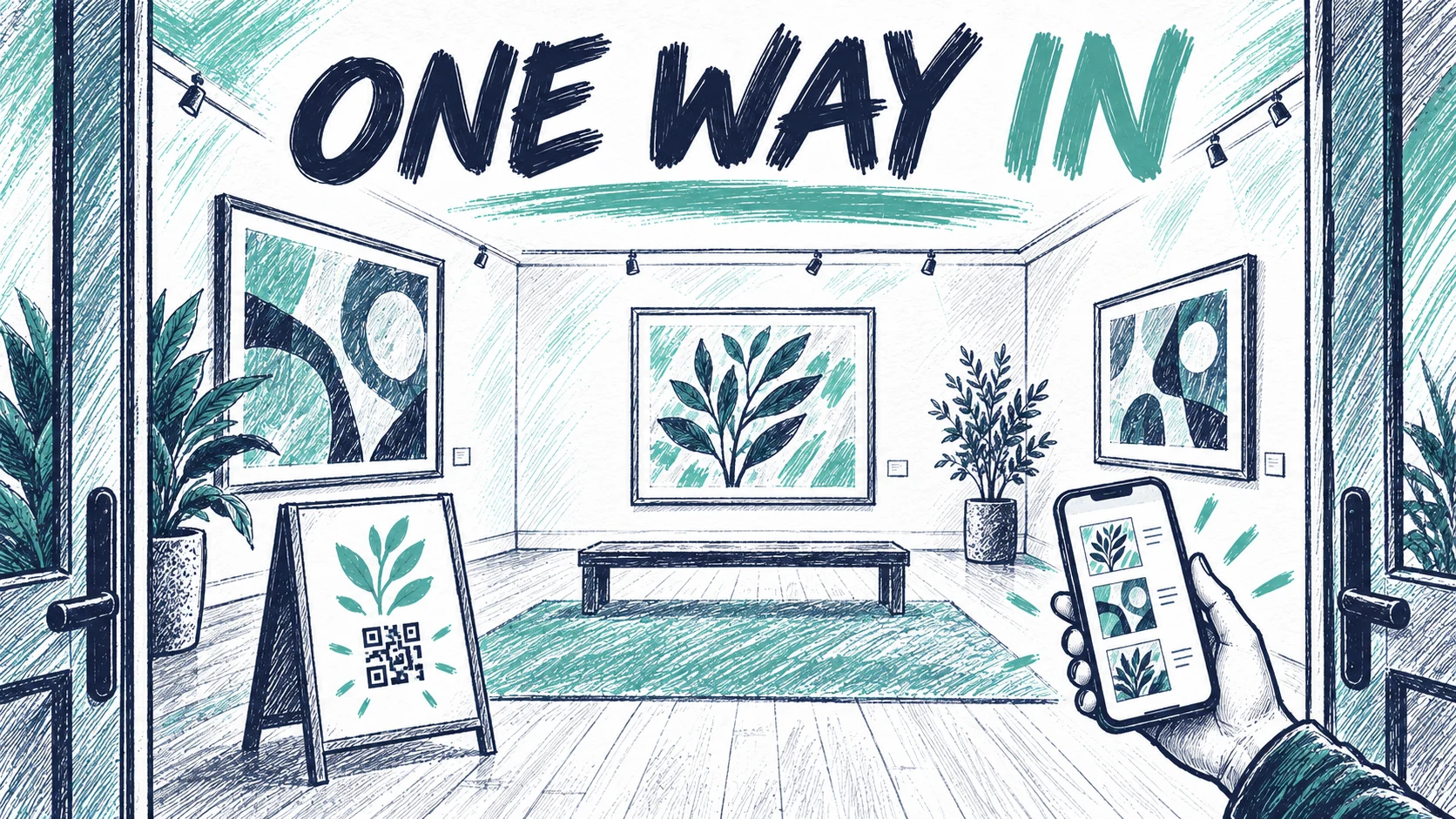
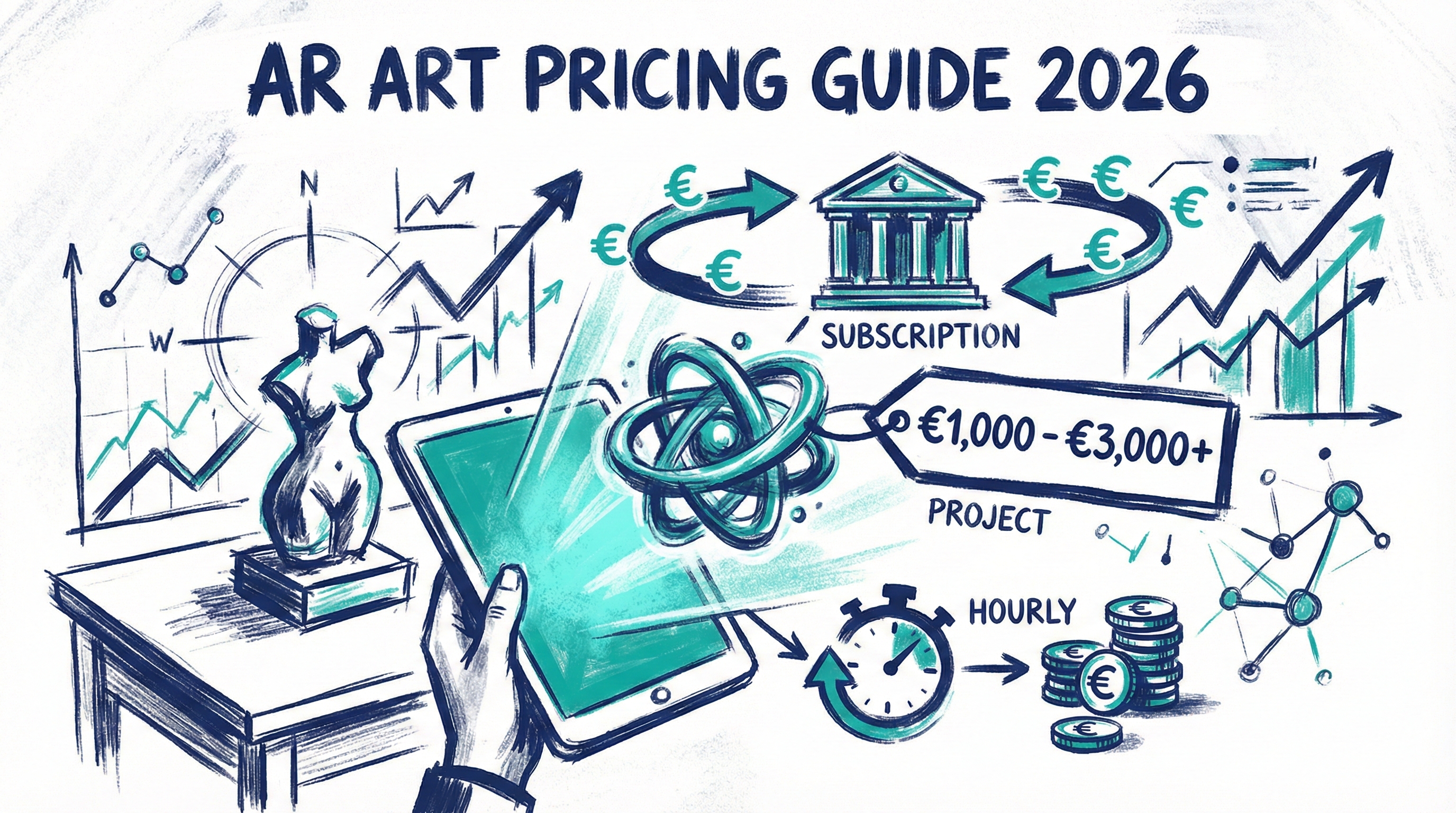
Photo: Painta.me · Original AI-generated editorial illustration; product screenshots by Painta.me
A collection gives the exhibition a sequence
Picture a small solo exhibition with eight paintings arranged around a room. The first introduces a subject; the next two complicate it; the final work returns to an idea glimpsed at the beginning. That order may be worth carrying into the digital experience.
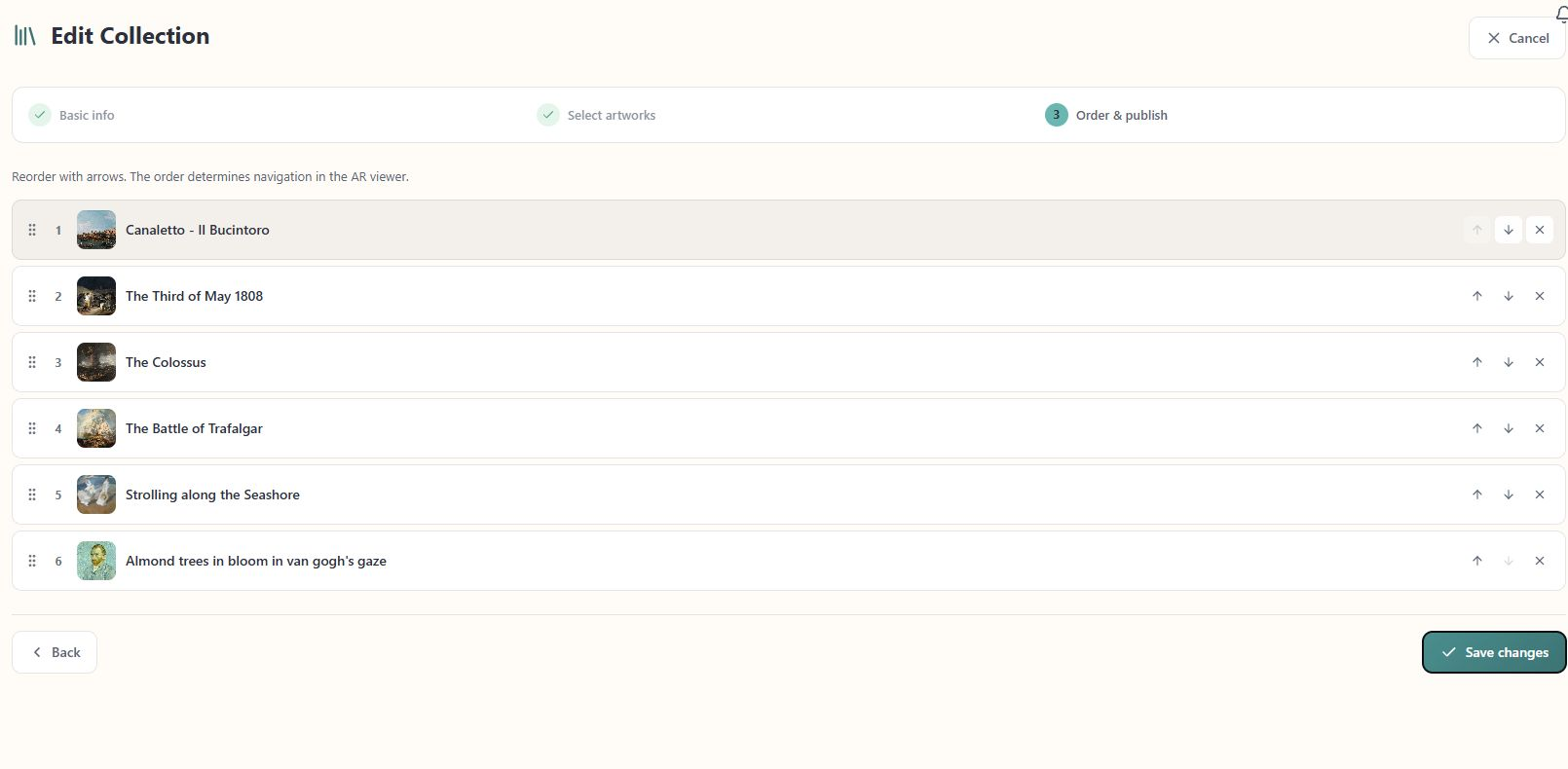
Painta Studio Pro includes unlimited AR Collections, each with up to 120 artworks behind one shared QR code. That code opens the collection's first artwork, and visitors can move through the sequence using the viewer's previous and next controls. You prepare the order; visitors follow it at their own pace.
The order prepared in Collections determines the sequence in the viewer. Cropped from the collection editor; account details are outside the image.
This can suit an artist showing a connected series, or a gallery presenting a short selection with a clear progression. Each work might offer a different contribution: an artist's voice, a moving detail, an image of an earlier state. The collection gives those encounters a relationship.
It also creates a curatorial responsibility. If the visitor starts halfway around the room, reaching the relevant work should still feel manageable. A long sequence can become tiring to navigate, especially when several images look similar. The physical layout and the digital order need to make sense together.
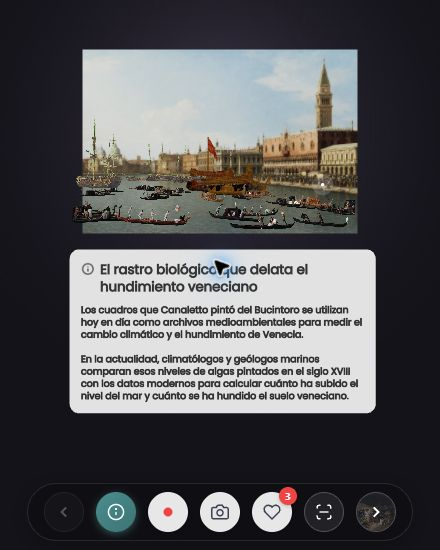
The collection viewer keeps previous and next artwork controls alongside the experience. Cropped desktop view, with the interface shown in Spanish.
Scan starts with the work that caught your eye
Visitors often make their own route. They cross the room towards a colour, return to a painting they passed earlier, or follow a companion's interest. Recognition offers a way to begin with that choice.
Painta's Scan uses a photograph to search for an artwork. It can return a match, offer several possible results, or find no suitable match. After choosing the relevant work, the visitor can open its experience. Finding the artwork and viewing its AR content are separate moments; recognising an image does not itself mean that an AR layer is already aligned with the physical work.
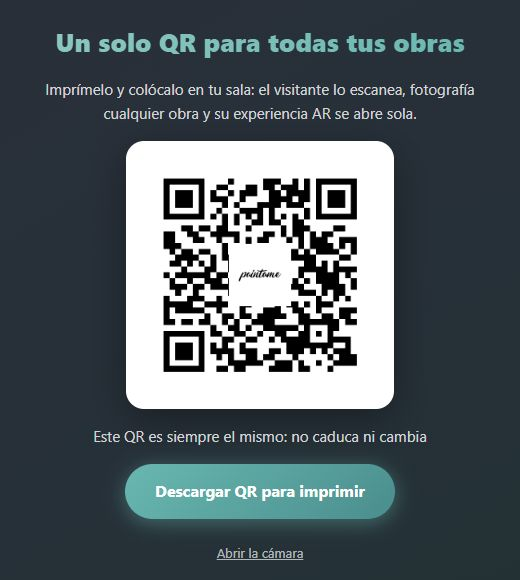
The artist's personalised Scan entry narrows the search to eligible works belonging to that artist's account. This matters when planning a room: the scope is the artist, rather than a particular collection or exhibition. Other eligible works by the same artist may appear, even if they are elsewhere. The general Scan entry is broader still.
The general Scan entry shown in Spanish. Its QR opens a catalogue-wide search, not a collection-specific one. This screenshot shows the entry screen, not a recognition result.
Recognition also needs a connection and suitable reference images. Published status, visibility and inclusion in the search catalogue affect what can be found. Before putting a sign on the wall, check the actual works under the room's lighting, including reflections and similar compositions. Give someone a straightforward alternative if a search does not find what they need.
Two ways to find the next artwork
The useful comparison is the decision each route asks the visitor to make.
Collections
Scan
Starting point
The first artwork in a prepared selection
A photograph of the work in front of the visitor
Finding another work
Move through the ordered sequence
Photograph another work and review the result
What the team prepares
A selection and an order that fit the visit
Eligible reference images and a clearly explained search scope
What to check in the room
Can visitors reach the work they want?
Can visitors find and confirm the right result?
A short, connected series can benefit from a collection. A solo exhibition with a freer route may make recognition worth exploring. Neither choice removes the need for clear titles and orientation in the room.
For a group exhibition, check how every participating artist's work will be included and managed before promising a single route across the show. An artist-scoped Scan should never be described as recognition limited to that gallery's walls.
Museums already combine different points of entry
The Pitt Rivers Museum's Bloomberg Connects guide illustrates how a general entrance and object-level access can coexist. The museum offers a QR for its digital guide and directs visitors to codes on signage and near objects. Its guided journeys provide another way through the collection.
At Upton House, the National Trust describes using Smartify to identify artworks and reach information about the collection. The interpretation includes contributions from a curator, volunteers and an oral history project. Those are Smartify's documented features in that setting; the example shows how recognition can lead to several voices around an object.
For a smaller gallery, these examples suggest a practical question: where does a visitor need help finding their way? A shared entrance can introduce a room. A more direct route may help beside a particular work. The arrangement should serve the exhibition's scale and rhythm.
One destination can have more than one sign
Having one QR destination does not require a single sign beside the entrance. The same code can appear where visitors naturally pause, with a short explanation of what it opens. A collection sign might invite people to explore the works in order. A Scan sign should explain that they will photograph an artwork to look for its experience.
Keep the essential interpretation available in the room: the artist's name, the work's title and whatever visitors need to understand its place in the exhibition. A readable web address can offer another way to open the destination. Staff can help introduce it, and visitors should be able to enjoy the show with their phones away.
The digital content needs a purpose too. Browsing artworks shared through Painta can help a team discuss what they want to add to a particular encounter. A recording, an animation and a view of a hidden detail ask for different kinds of attention.
Give the printed QR someone to look after it
A sign may stay on a wall longer than the person who prepared its content expects. Decide who will check the destination, review the selection and respond when the exhibition changes.
Editing the order of an existing Painta collection keeps its shared identifier. That helps a team revise the route while retaining the same entry point, provided the collection, its address and the service remain available. Recheck the printed code after changes. Our article on conserving AR artworks explores the longer commitment behind keeping a digital experience accessible.
Before opening, invite someone unfamiliar with the exhibition to try the route. Watch where they hesitate, how they find a particular work, and whether the screen helps them return to it with something new to notice. That observation can tell you more about the visit than the number of codes on the wall.
If you are preparing a series or exhibition, a collection can give its works a shared digital entrance while preserving the order you want to present. To create that route, explore Painta Studio Pro for your exhibition.
Founder and creator of Painta.me. Artist in my spare time and AR art enthusiast. Building tools to help artists bring their creations to life through augmented reality.
A short weekly email with new Painta.me tools, practical AR ideas, artist opportunities, and ways to make your work easier to create, publish, and share. Useful even if you haven't created your first piece yet.
What you'll get
1
New AR tools
See what's new inside Painta.me and how it can help you create faster.
2
Artist opportunities
Open calls, featured works, community updates, and ways to get your art seen.
3
Practical AR ideas
Simple techniques to create, publish, and share better augmented reality pieces.
auto_awesome
Ready to create?
Create your free account, prepare an artwork and share it in augmented reality. Choose a paid plan when you need more.